1
DX-80 Installation & Maintenance
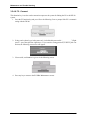
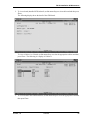
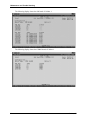
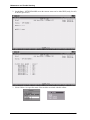
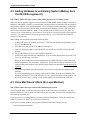
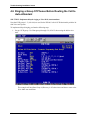
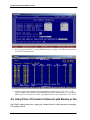
2. To view a board (installed PCB) in detail, use the arrow keys to select the board and then press
Enter.
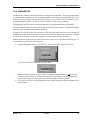
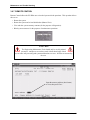
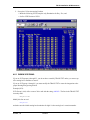
The following display shows the detail of the CPM board.
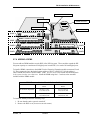
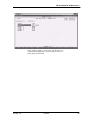
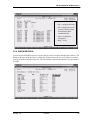
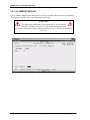
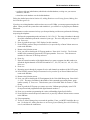
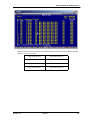
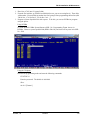
To view a Cabinet 1 or 2 board, use the arrow keys to select the appropriate cabinet and then
press Enter. The following is a display of Cabinet 1.
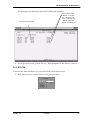
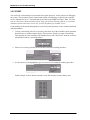
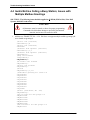
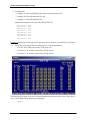
3. To view a board in this cabinet in detail, use the arrow keys to select the appropriate board and
then press Enter.
October, ‘03
Comdial
85