1
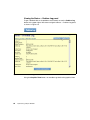
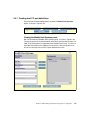
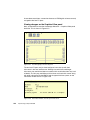
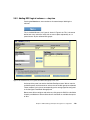
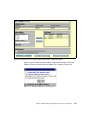
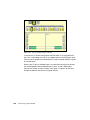
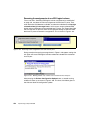
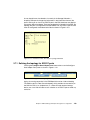
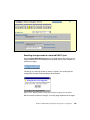
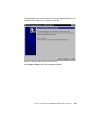
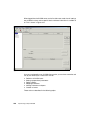
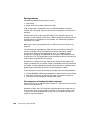
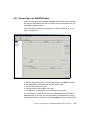
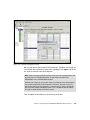
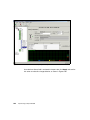
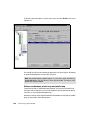
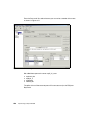
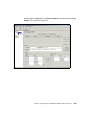
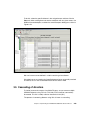
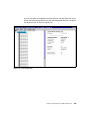
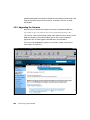
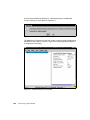
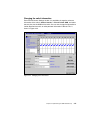
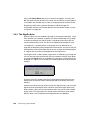
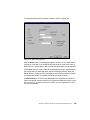
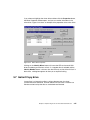
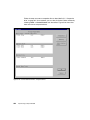
Click in the Always Master box so that a check mark appears. Once you click
OK, the Router will then be set as the master. You will notice that now all options
in the toolbar are available and can start to use the features of the SLIC Router.
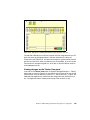
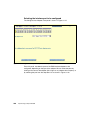
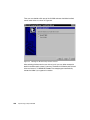
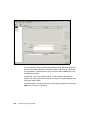
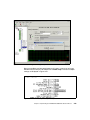
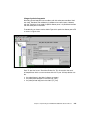
By placing a check mark in the Auto Start box, the SLIC Manager will
automatically connect to the Router defined in the Connection window, as seen
in Figure 5-7 on page 332.
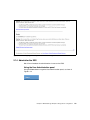
5.4.4 The SignOn drive
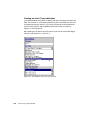
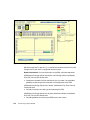
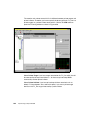
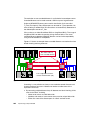
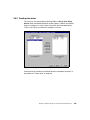
When the SLIC zone was created to be used as the communication path, a disk
file or partition was created on a specific disk within the SSA loop. As you begin
to access the features of the SLIC Router, it should be known which disk was
used to create the SLIC zone. This disk is considered to be the SignOn drive.
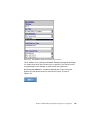
In the topics 5.5, “Composite drive” on page 337 and 5.6, “Mirror drive” on
page 342 we describe creating composite and mirror drives, and you will see that
the properties of the individual physical drives may change. As they become part
of a logical drive, they take on the properties of this logical drive.
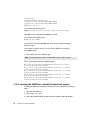
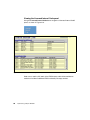
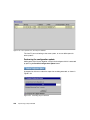
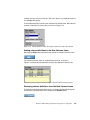
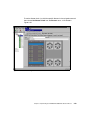
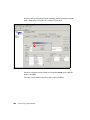
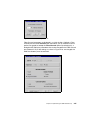
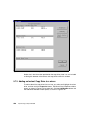
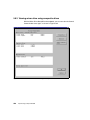
If the SignOn drive is used to create a logical drive, its attributes may change and
you may lose the communication path that was created in the SLIC zone. When
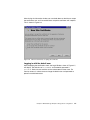
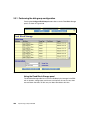
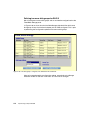
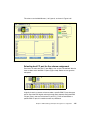
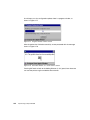
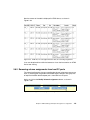
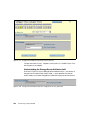
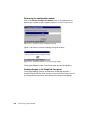
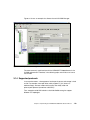
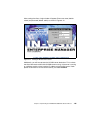
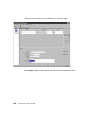
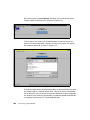
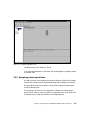
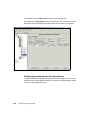
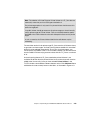
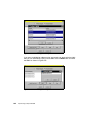
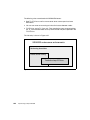
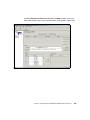
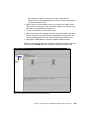
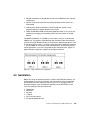
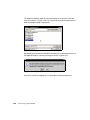
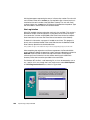
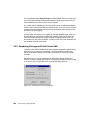
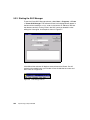
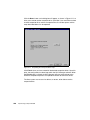
you select the SignOn drive as a member of a logical drive, a dialog box will be
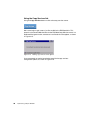
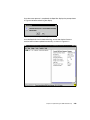
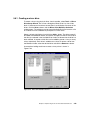
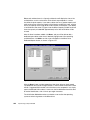
displayed as in Figure 5-13 to remind you that the attributes of this drive may be
affected.
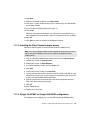
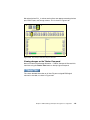
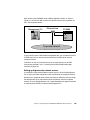
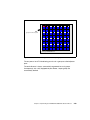
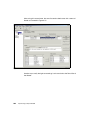
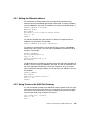
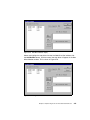
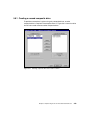
Figure 5-13 Selecting SignOn drive dialog box
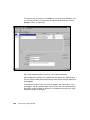
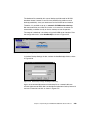
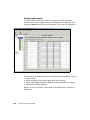
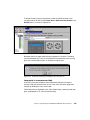
As long as the LUN number of the SignOn drive becomes the LUN of the new
logical drive, the communications from the Manager to the Router will not be
affected.
Another way to be certain that you do not lose your SignOn drive is not to use the
SignOn drive to create logical drives. However, once some logical drives have
been created, a SLIC zone can be created to one or more of the newly created
logical drives. This logical drive can now be used as the SignOn drive and the
previous drive is now available to be configured without any problems.
336
Implementing an Open IBM SAN