1
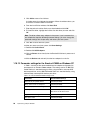
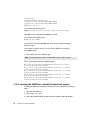
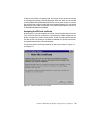
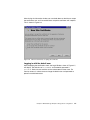
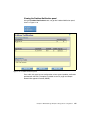
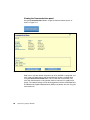
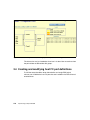
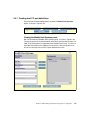
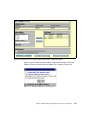
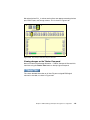
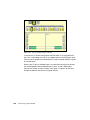
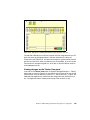
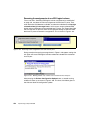
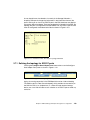
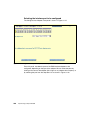
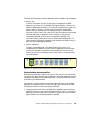
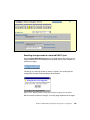
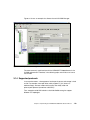
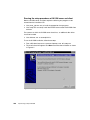
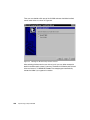
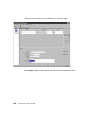
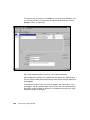
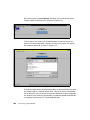
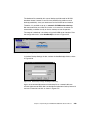
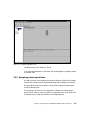
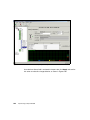
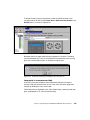
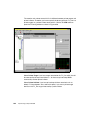
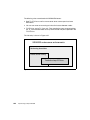
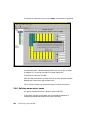
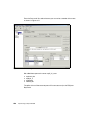
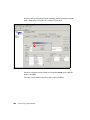
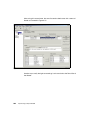
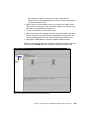
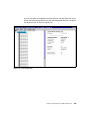
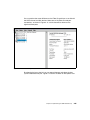
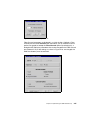
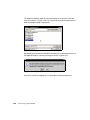
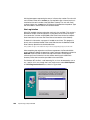
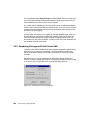
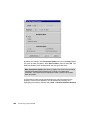
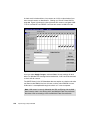
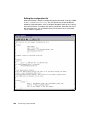
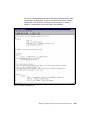
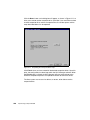
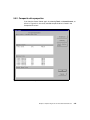
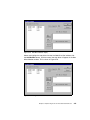
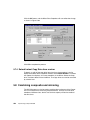
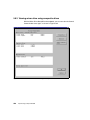
Click the Next> button and a dialog box will appear, as shown in Figure 5-17, to
allow you to create another composite drive. Click Yes If you would like to create
another composite drive, and the Composite Drive List window opens and the
steps described above can be repeated.
Figure 5-17 Completing the Composite Drive setup
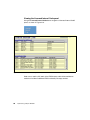
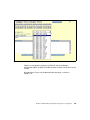
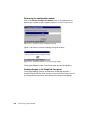
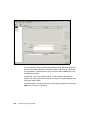
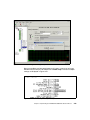
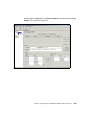
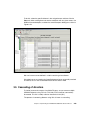
Click Finish when you have created all the desired composite drives. Up to this
point, the configuration has been kept within the SLIC Manager software. When
the Finish button is clicked, the SLIC Manager will now communicate to the
Router to complete the process and update the Router to control the drives.
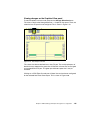
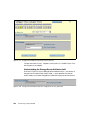
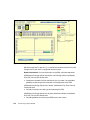
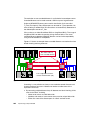
The Host system must re-scan for devices, or restart, to be able to see the
composite drive.
340
Implementing an Open IBM SAN