1
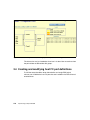
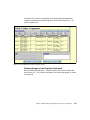
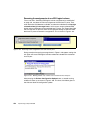
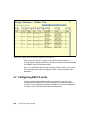
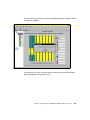
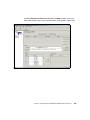
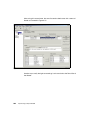
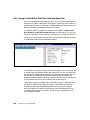
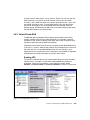
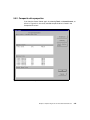
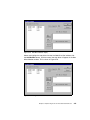
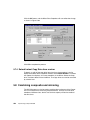
Below each window there is a Capacity window that will display the size of the
available drive, or of the mirror drive. Each drive that participates in a mirror
should be of equal capacity. If you select a drive that has a greater capacity and
add it to the mirror, the mirror capacity will still be the smaller of the two, and the
rest of the capacity of the larger drive will be unused. For example, if you added
a 18 GB drive to the mirror in Figure 5-20, the Mirror Capacity window would still
show the capacity of 8,696 MB. Approximately half of the 18 GB drive will be
unused.
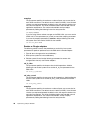
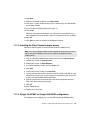
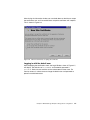
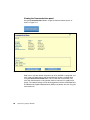
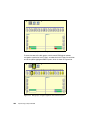
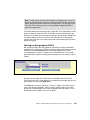
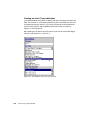
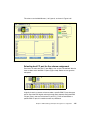
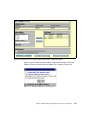
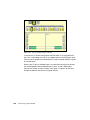
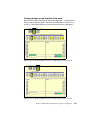
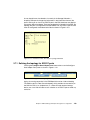
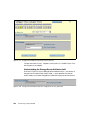
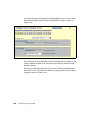
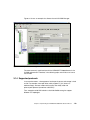
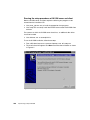
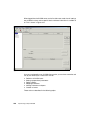
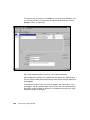
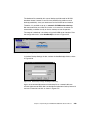
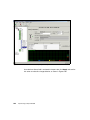
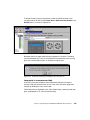
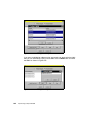
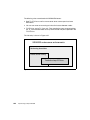
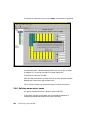
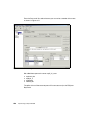
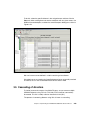
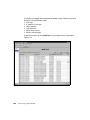
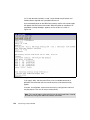
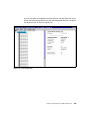
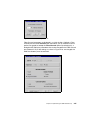
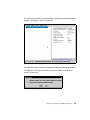
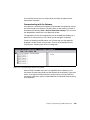
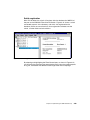
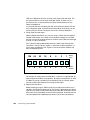
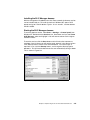
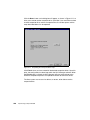
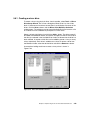
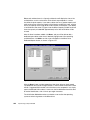
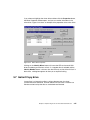
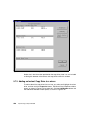
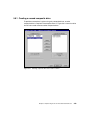
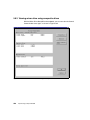
After all drives have been added, click Next> and you will be able to add a
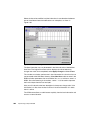
dedicated spare drive to the mirror if desired. Highlight one of the remaining
available drives, click Add>> and its name will appear in the Mirror Drive
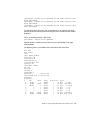
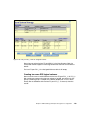
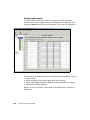
Dedicated Spare window, as shown in Figure 5-21.
Figure 5-21 Adding a dedicated spare
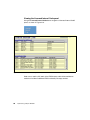
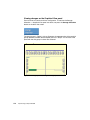
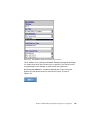
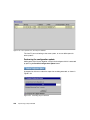
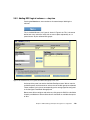
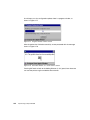
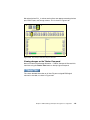
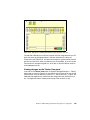
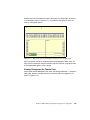
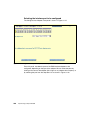
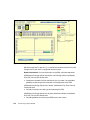
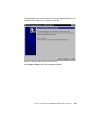
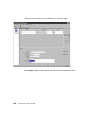
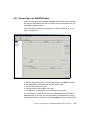
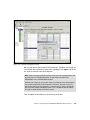
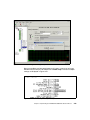
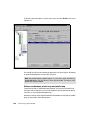
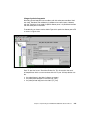
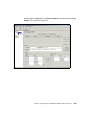
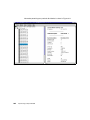
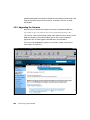
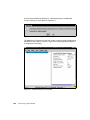
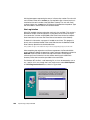
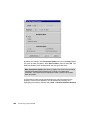
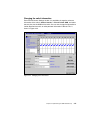
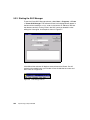
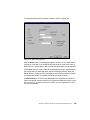
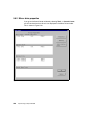
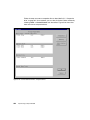
Click the Next> button and the properties of the mirror drive can be changed.
The properties that can be changed are the FC LUN and the Drive Name. There
will be a suggested LUN number in this field that can be accepted. If not, simply
type in the desired LUN number. A name can also be defined to the mirror drive
for easier identification, with a limit of up to eight characters.
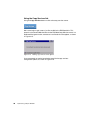
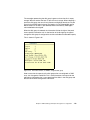
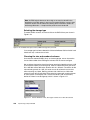
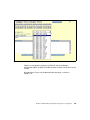
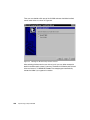
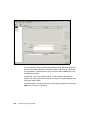
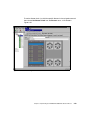
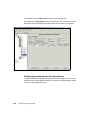
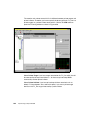
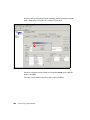
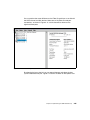
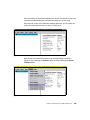
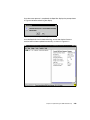
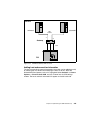
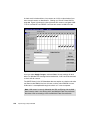
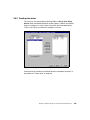
The Initialization Method box refers to whether or not to allow the operating
system to write its signature on the Mirror drive.
344
Implementing an Open IBM SAN