1
Recalling Numbers
Numeric and Alphabetic Mode
Scrolling through the Memory
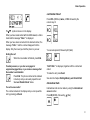
If you wish to recall a stored phone number, press the RCL
(RECALL) key.
You can display the contents of each memory location by
scrolling through the memory.
Numeric mode applies automatically after you have
pressed the RCL key. It means that you can recall the
number by entering the number of the memory location.
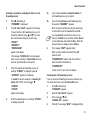
1.
Press RCL. ‘‘RCL’’ is displayed.
2.
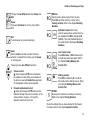
To scroll forward from memory location 1, press ▲
(Up) repeatedly. If you scroll too far, you can move
back by pressing ▼(Down).
If you wish to recall the number by using the name, or the
first part of the name, you have to select alphabetic mode
by pressing M (MODE) after RCL. The A indicator will flash
in the display.
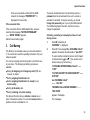
To scroll backward from the highest memory
location, press ▼ repeatedly. If you scroll too far,
you can move forward by pressing s.
If you select alphabetic mode by mistake, press M
again. You can then enter a memory location
number instead.
You can enter a memory location number (one or
two digits), before pressing ▲ or ▼, to begin
scrolling with this number.
3.
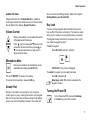
Recalling a Number Using Numeric Mode
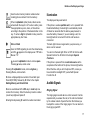
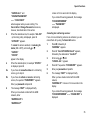
1.
Press RCL. ‘‘RCL’’ is displayed.
2.
Enter the memory location number (one or more
digits). The (name and) phone number appears in
the display.
3.
To call the number, press Send.
To call the number displayed, press Send.
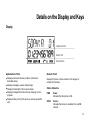
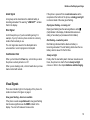
Alternative Method for Recalling a
Number
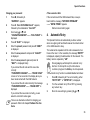
1.
Enter the memory location number (one or more
digits).
2.
Press # (Hash). The (name and) phone number
appears in the display.
3.
To call the number, press Send.
22