1
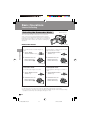
Digital Still Camera Features
Playback
6
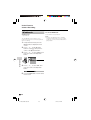
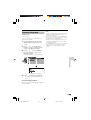
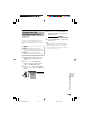
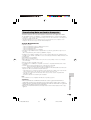
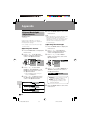
Direct Print
Available modes:
Card Playback
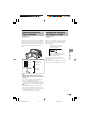
D I R E C T PR I N T
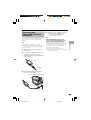
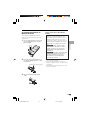
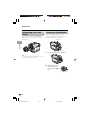
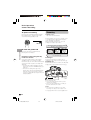
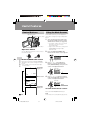
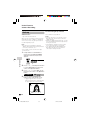
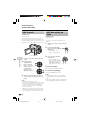
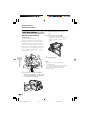
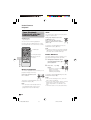
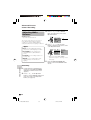
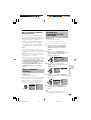
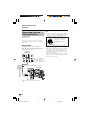
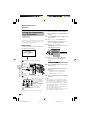
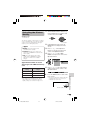
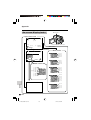
When you connect the camcorder to a
Seiko Epson’s Direct Print compatible
printer, you can print out the recorded still
image directly from the printer without
computer.
CHE C K THE PR I N T E R
SE T T I NGS.
START ?
NO
YES
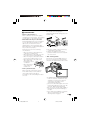
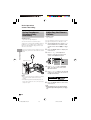
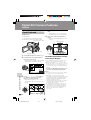
Preparation
SE L ECT
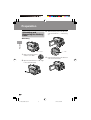
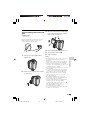
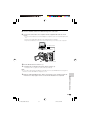
Turn on the printer.
1
2
7
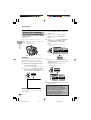
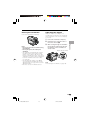
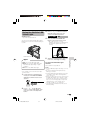
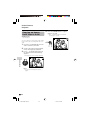
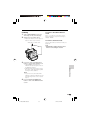
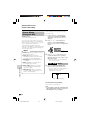
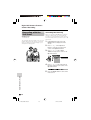
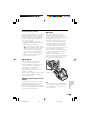
Make sure that the Power switch is
set to OFF.
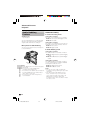
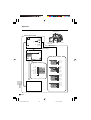
Connect the camcorder to the printer
with the supplied USB cable.
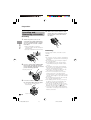
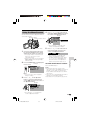
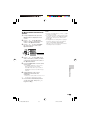
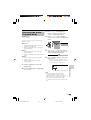
3
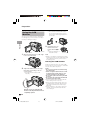
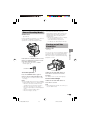
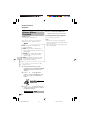
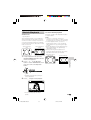
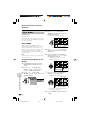
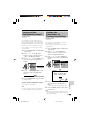
Set the Media Selection switch to u,
then hold down the Lock button and
set the Power switch to w.
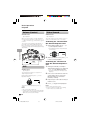
4
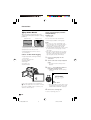
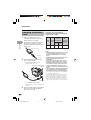
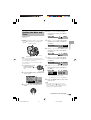
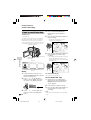
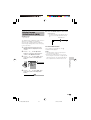
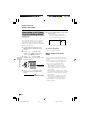
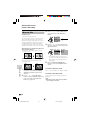
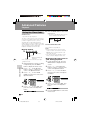
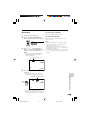
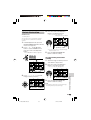
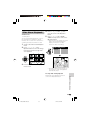
In Card Playback mode, press the
DISPLAY/MODE SET button until the
mode screen appears.
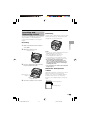
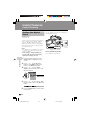
5
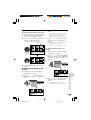
Press l or m on the Operation
button to select “DIRECT PRI”, then
press the centre of the Operation
button.
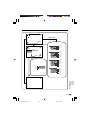
P I C. EF F ECT
D E L E T E ONE
DE LE TE ALL
D I RE C T PR I E X E CUT E
Digital Still Camera Features
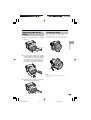
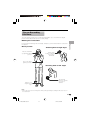
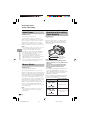
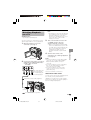
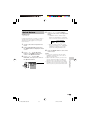
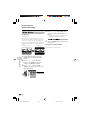
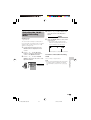
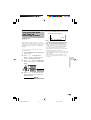
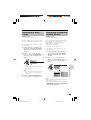
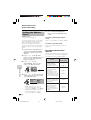
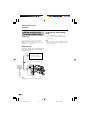
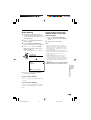
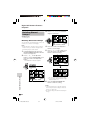
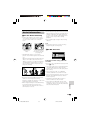
Press m to select the number of
printouts, then press the centre of the
Operation button.
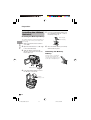
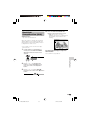
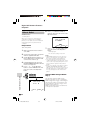
Press l or m to select “YES”, then
press the centre of the Operation
button.
• Printing begins.
• To cancel the setting, select “NO”.
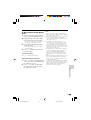
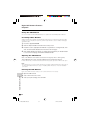
Notes:
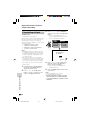
• “INK ERROR” appears when the ink of the
printer connected to the camcorder is low.
Check the remaining of the printing ink.
• The top and bottom of an image may be
cropped depending on the paper size. In this
case, set the crop setting of the printer to off.
See the printer's operation manual for the
details.
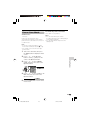
• When connecting the camcorder to a printer,
“CHECK THE PRINTER SETTINGS.” may
appear. In this case, disconnect and connect
the USB cable before or after printing. If the
message still appears, turn off and on the
printer.
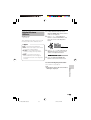
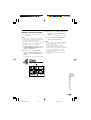
This product supports PRINT Image
Matching K. When used in combination,
PRINT Image Matching K enabled digital
still cameras, printers and software, help
photographers to produce images more
faithful to their intentions.
PRINT Image Matching is a trademark of
Seiko Epson Corporation.
S E T NO . 1
R E T UR N
SE T
88
VL-Z500S-GB-082-095
88
SE T
About PRINT Image Matching L
D I R E C T PR I N T
SE L ECT
R E T UR N
04.2.9, 3:24 PM