1
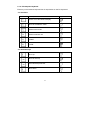
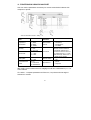
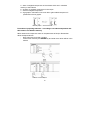
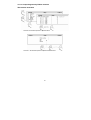
Procedure of making mixtures without recording components and their
mass date in the balance memory
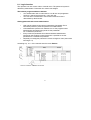
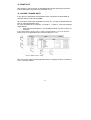
If documentation of preparong mixture is printed set the parameter 02 Printout at
1 : YES.
If mass of each component is confirmed (key UNIITS) each mass with their
names is printed on connected printer or computer.
•
•
•
•
•
•
•
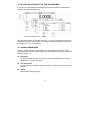
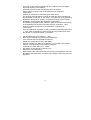
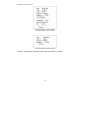
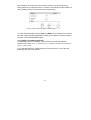
Set the parameter 01 Prompts at the value 0 : NO
Enter function Recipes by pressing ENTER
Tare container mass to the balance memory
Pour component 1 to the container – in relation to information about
mixture
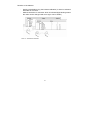
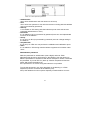
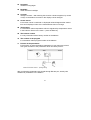
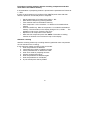
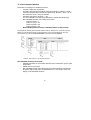
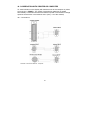
Press the UNITS key. Mass of component 1 is recoded in the balance
memory. The information on the display changes: IC=1, SUM=. . . The
indication is set to zero. Press the key Units
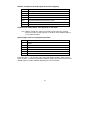
Repeat it for all components of the mixture
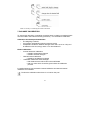
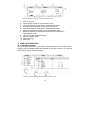
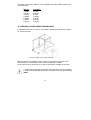
After write last component press the "0/T#
#. Procedure of making
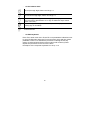
mixtures is finished. Sum of mixture is kept on the display.
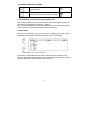
Statistics counting
Statictics counting relate only to making mixtures (particular mass components
are not included in the counting).
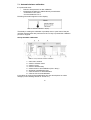
If user performs statictic counting in this work mode:
1. enter the parameter 06 Statistics
2. cancell previous results of statistic counting
3. set the parameter 06 01 Statistics at YES
4. enter work mode for preparing mixtures
5. perform measurement series
6. enter the parameter 06 Statistics again
7. enter the parameter 06 02 Results
8. to print results press the key PRINT
52