1
DoorsTM Users Guide
Keri Systems, Inc.
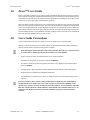
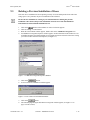
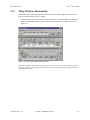
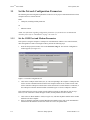
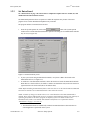
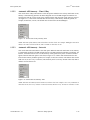
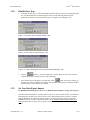
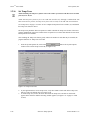
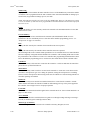
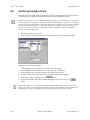
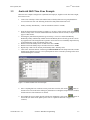
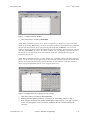
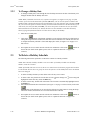
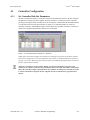
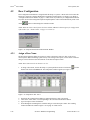
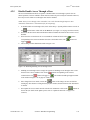
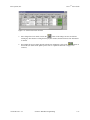
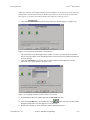
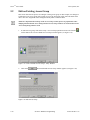
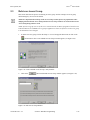
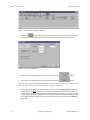
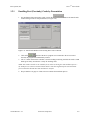
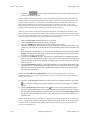
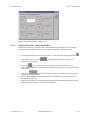
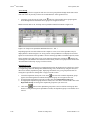
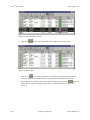
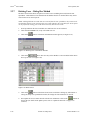
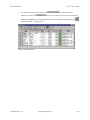
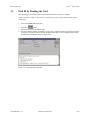
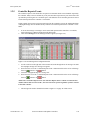
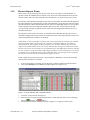
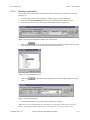
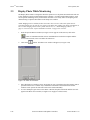
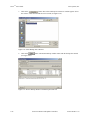
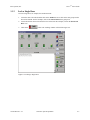
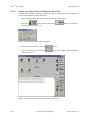
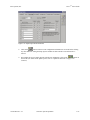
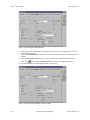
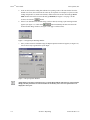
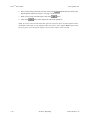
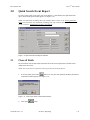
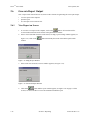
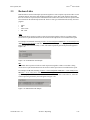
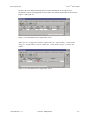
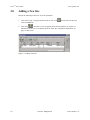
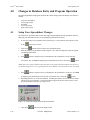
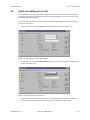
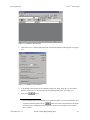
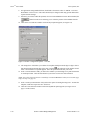
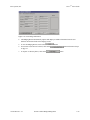
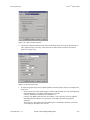
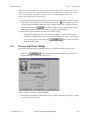
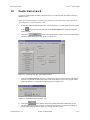
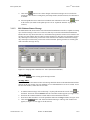
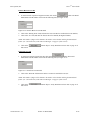
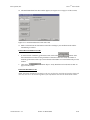
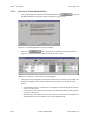
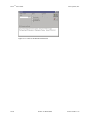
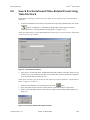
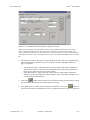
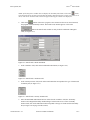
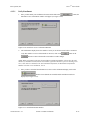
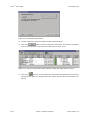
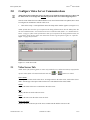
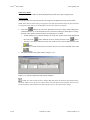
Figure 14-8: Enroll Cards - Secondary Format
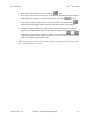
6.
7.
8.
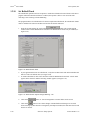
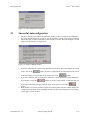
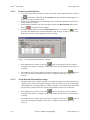
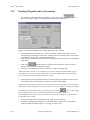
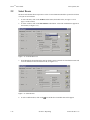
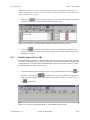
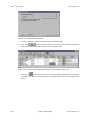
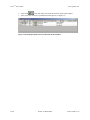
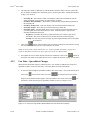
Locate the “Wiegand Card Number Range” field. Click in the Starting From field. Enter the card
number for the first card in the range of cards to be enrolled (the lowest number). For more
information on how to locate the card number, see “Block Enrollment by Card Number Range” on
page 3 in section 4.
Click in the To field. Enter the card number for the last card in the range of cards to be enrolled (the
highest number).
Locate the Facility Code field and enter the facility code for the cards.
NOTE: For 26-bit Wiegand cards, facility codes may range from 0 to 255. The facility code is
programmed into each card. To enroll cards, you must know the facility code programmed into the
card. If you do not know the facility code for the cards you are enrolling, please contact your card
supplier for the facility code number before continuing the card enrollment process.
NOTE: If you are block enrolling non-Keri Wiegand cards, be sure you know the actual internal card
numbers programmed into the cards and verify the internal numbers are in consecutive order. Using
incorrect numbers and non-consecutive cards invalidate the block enrollment process.
NOTE: If a facility code is not necessary, as is the case with an 8 Bit Burst keypad, the facility code field
will not be visible.
9.
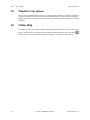
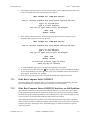
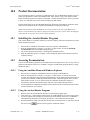
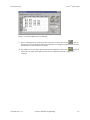
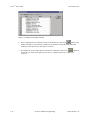
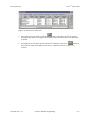
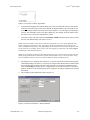
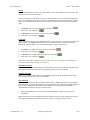
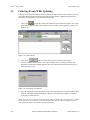
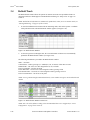
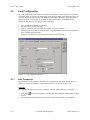
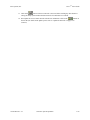
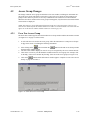
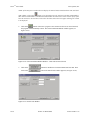
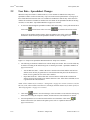
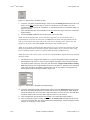
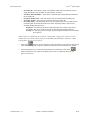
The default for User Assigned Card Numbers is to copy the card number from the Wiegand Card
Number Range field. If there is a need for user assigned card numbers that are different from the
card number printed on the body of the card, click in the User Assigned Card Numbers Starting
From field. Enter the user assigned number for the first card in the set. Numbers for the remaining
cards will be assigned in ascending, sequential order from the first number. The Wiegand Card
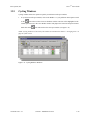
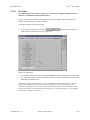
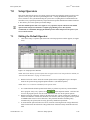
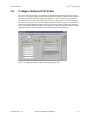
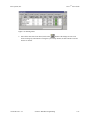
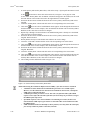
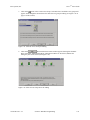
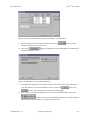
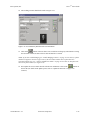
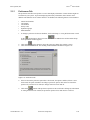
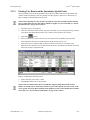
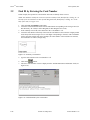
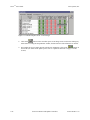
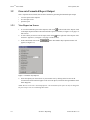
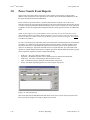
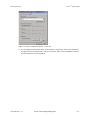
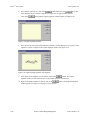
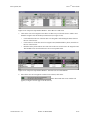
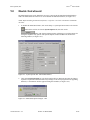
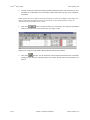
Number Range field should appear similar to Figure 14-9.
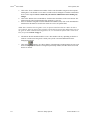
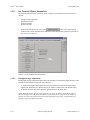
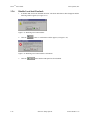
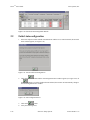
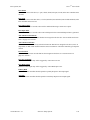
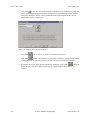
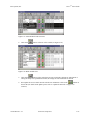
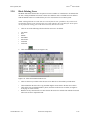
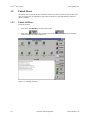
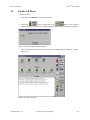
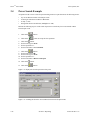
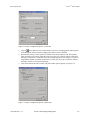
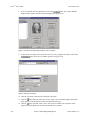
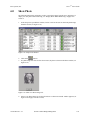
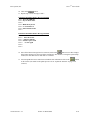
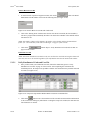
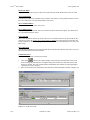
Figure 14-9: Enroll Cards - Wiegand Card Number Range
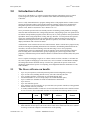
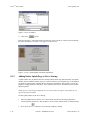
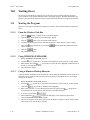
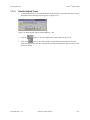
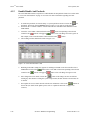
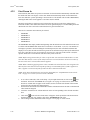
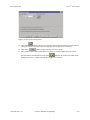
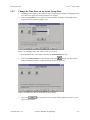
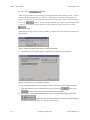
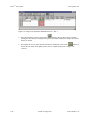
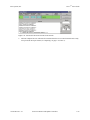
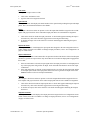
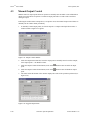
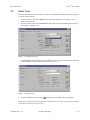
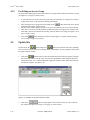
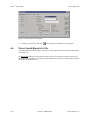
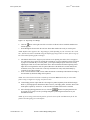
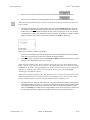
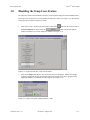
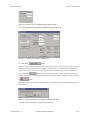
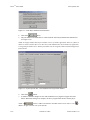
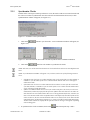
10. Locate the “Wiegand Secondary Number Range” field. Click in the Starting From field. Enter the
PIN for the Secondary ID that will be associated with the first card enrolled. For 26 Bit Wiegand
format, the number must be no more than 5 digits and cannot exceed 65,535 users. For 8 Bit Burst
format the number must be no more than 4 digits and cannot exceed 999 users.
11. Click in the To field. Enter the PIN for the last PIN to be enrolled (the highest number).
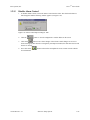
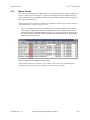
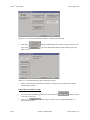
12. If the Secondary ID requires a facility code, click in the Facility Code field and enter the facility
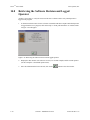
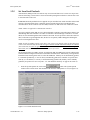
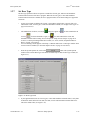
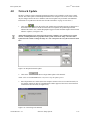
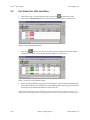
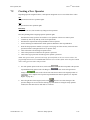
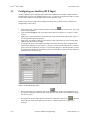
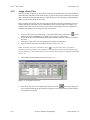
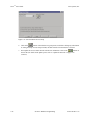
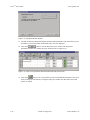
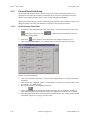
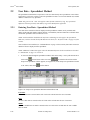
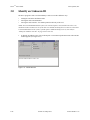
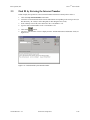
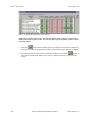
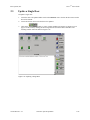
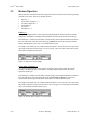
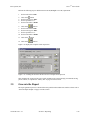
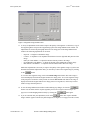
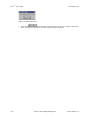
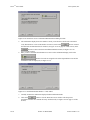
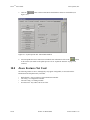
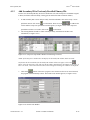
code for the Secondary IDs. The “Wiegand Secondary Number Range” field should appear similar
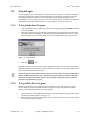
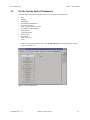
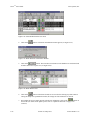
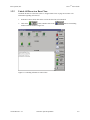
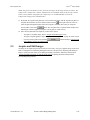
to Figure 14-10 on page 9 of this section.
14-8
Section 14: Dual Verification
01914-014 Rev. 5.5