1
Keri Systems, Inc.
4.5
DoorsTM Users Guide
Quick Search Reports by Site
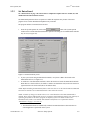
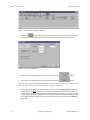
A new All Sites/Selected Site radio button is added to the quick reports feature allowing report data to
be sorted by site. Follow the instructions in “Quick Search Event Report” on page 11 in section 7, but
include the following information.
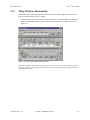
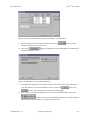
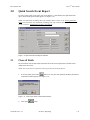
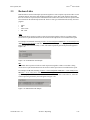
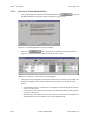
The sites radio buttons allow an operator to select if event information should be reported for all sites or
for just one selected site.
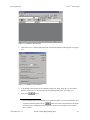
1.
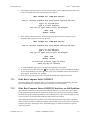
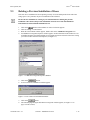
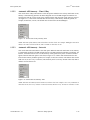
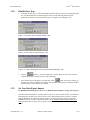
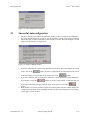
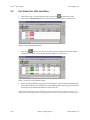
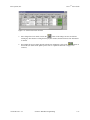
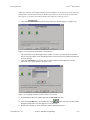
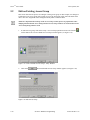
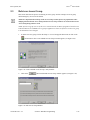
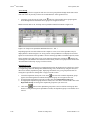
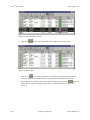
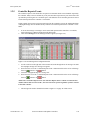
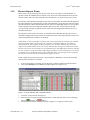
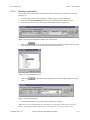
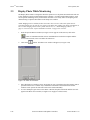
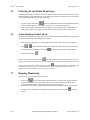
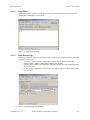
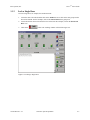
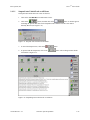
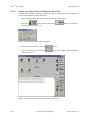
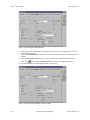
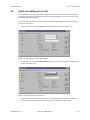
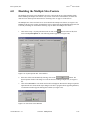
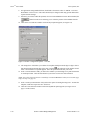
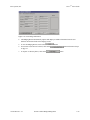
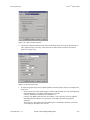
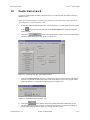
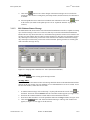
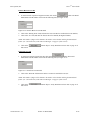
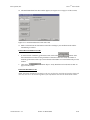
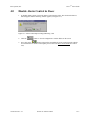
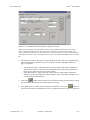
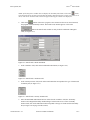
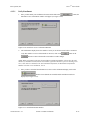
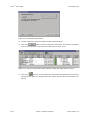
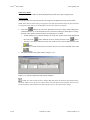
To select all sites, click on the All Sites radio button (the default value, see Figure 8-21).
Figure 8-21: Quick Search, All Sites Radio Button
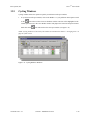
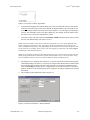
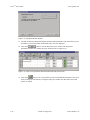
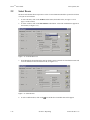
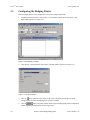
2.
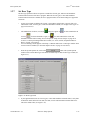
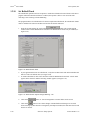
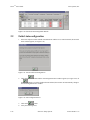
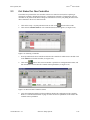
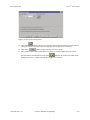
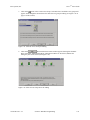
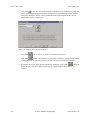
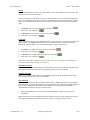
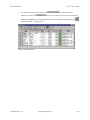
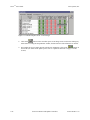
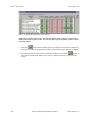
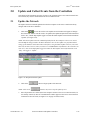
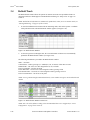
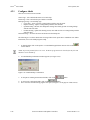
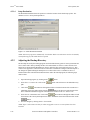
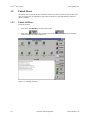
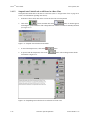
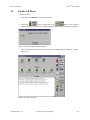
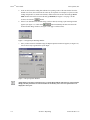
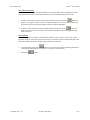
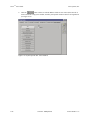
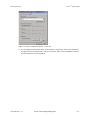
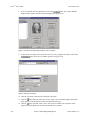
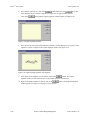
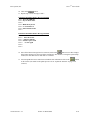
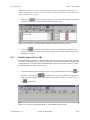
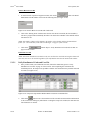
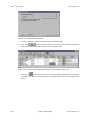
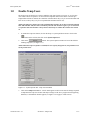
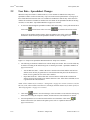
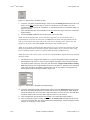
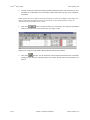
To select one site, click on the Selected Site radio button. A list of all available sites appears in the
window (see Figure 8-22).
Figure 8-22: Quick Search, Selected Site List
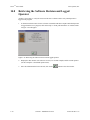
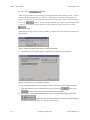
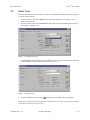
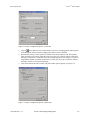
3.
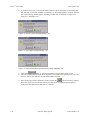
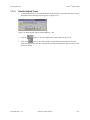
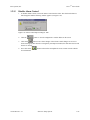
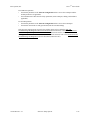
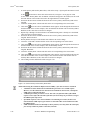
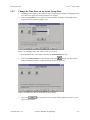
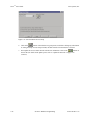
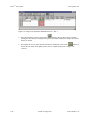
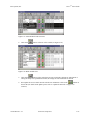
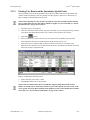
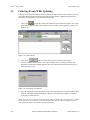
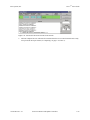
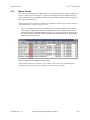
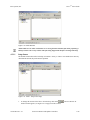
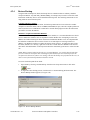
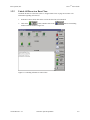
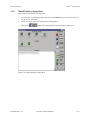
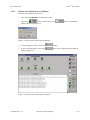
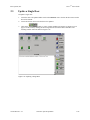
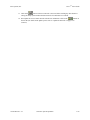
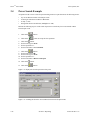
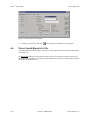
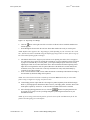
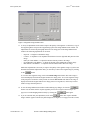
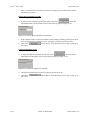
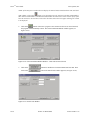
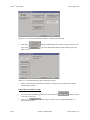
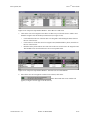
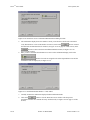
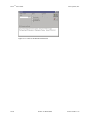
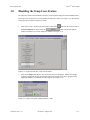
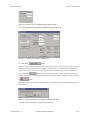
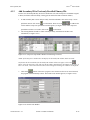
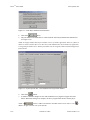
Scroll up and down this list and locate the site for event reporting. Click on that site name and it
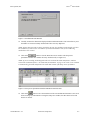
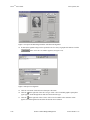
will be entered into the selected site field (see Figure 8-23 on page 20 of this section).
01914-008 Rev. 5.3
Section 8: Multiple Sites
8-19