1
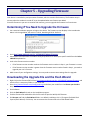
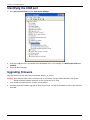
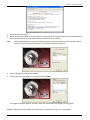
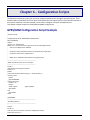
Chapter 3 – Configuring Ports
Before you start configuring your MultiConnect unit, establish a wireless network account. Then, log into your
MultiConnect unit using either HyperTerminal or an equivalent terminal emulation program.
Connecting to the Device
The following configuration procedures use the Windows XP Operating System. Older Windows versions have
similar paths to HyperTerminal.
Windows Vista and newer Windows versions do not include HyperTerminal. If you are using one of these,
download a terminal emulator program to communicate with your MultiConnect unit.
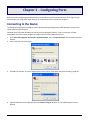
1.
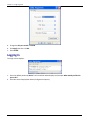
Go to Start I All Programs I Accessories I Communications and click HyperTerminal. The Connection window
displays.
2.
Enter a name for the connection.
3.
Click OK. The Connect To screen appears with Country/region, Area code, and Phone number grayed out.
4.
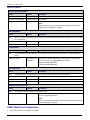
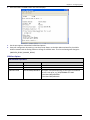
Select the MultiConnect’s COM port from the Connect using drop down list. The COM Properties screen
displays.
21
MultiConnect AW User Guide