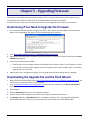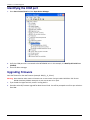
1
Chapter 5 – Firmware Upgrade
7.
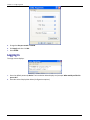
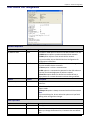
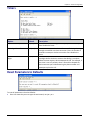
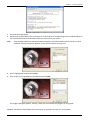
When the flash upgrade is complete, Programming Complete appears.
8.
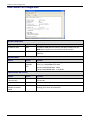
Click Next. The Results window appears.
9.
Click Finish to exit Flash Wizard.
Restoring Parameters
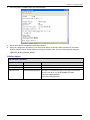
Your MultiConnect has been updated. You can now open your terminal program to re-set your Device
Configuration.
42
MultiConnect AW User Guide