1
Dell Compellent Enterprise Manager ETL for BMC Capacity Optimization
Version 4.0.00
Connecting to Data Collector
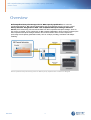
The Enterprise Manager Client can be used to connect to the Data Collector to view and manage
multiple Storage Centers:
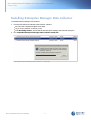
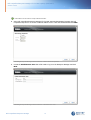
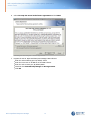
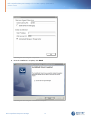
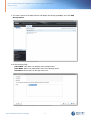
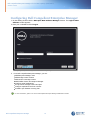
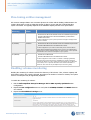
1. On the desktop, double-click the Enterprise Manager Client shortcut. The Login to Compellent
Enterprise Manager Client window appears.
2. Fill the following fields:
User Name: Enterprise Manager user that was created while installing Data Collector
Password: User's password
Host/IP: host name or IP address of the server that hosts the Data Collector.
Web Server Port: If you changed the Web Server Port during installation, enter the updated
port.
Click Log In.
Co nfig uring Ente rp ris e M a na g e r Clie nt - Lo g in Pa g e
Dell Compellent Enterprise Manager
26