1
Troubleshooting
Problem
Possible Cause
Action
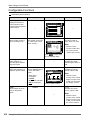
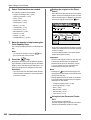
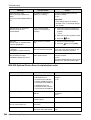
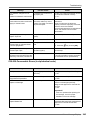
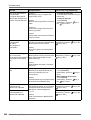
Vertical blank lines are found
on printed copies.
The Thermal Print Head of the Master
Making Unit or the Scanner Glass of
Auto Document Feeder has been
stained with dirt, white-out, etc.
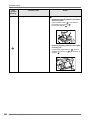
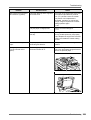
Gently wipe the Thermal Print Head or
Scanner Glass with a soft cloth.
)p.237
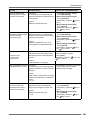
The unwanted background of
an original is picked up on
copies.
If newspaper or colored (coloured)
paper is used as an original, the
background is picked up on copies.
Lighten the “Contrast” and create a new
master.
)p.62
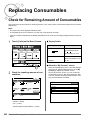
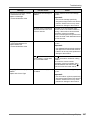
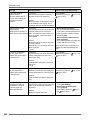
Dirt is found on printed copies. The Glass Platen (and/or the ADF
Scanner Glass) is not clean.
Clean the Glass Platen (and/or the ADF
Scanner Glass). )p.237
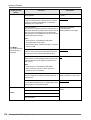
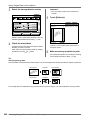
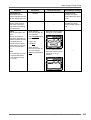
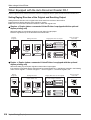
The edges of printed copies
are smudged with ink.
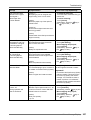
Because a master was made according to
a larger size than the original, the edges of
the original were processed as shadows.
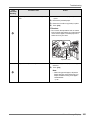
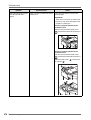
Set the same size of paper as the original
and perform the master-making operation
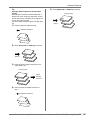
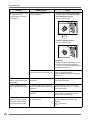
again. Or attach tape as described below
to solve the problem.
Larger size of paper than the original
was placed on the Paper Feed Tray
at the time of the master-making
process.
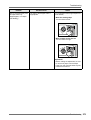
Did you use [Max. Scan] setting when
making the master?
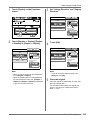
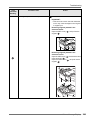
When printing thick paper such as
cards, corners of the paper contacted
and damaged the master.
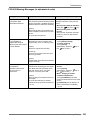
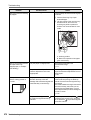
Make another master and print with the
new master. Or pull out the Print Drum
(Cylinder) and attach cellophane tape to
the damaged section on the master.
However, if attached with cellophane tape,
a master may not been properly sent to
the Master Disposal Box.
Troubleshooting 267