1
7.
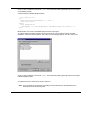
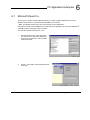
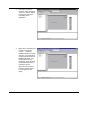
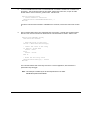
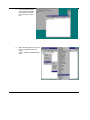
Set the parameters for this method to be:
nNodeNumber
0
nCardNumber
0
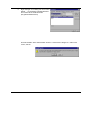
This creates a handle to a NextMove PCI card and enables further
function calls to be directed to the card.
8.
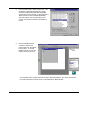
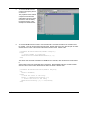
Other methods
can now be
added in the
same way to
build up the
application. The
example clicks
the relay on and
off at a rate of
1Hz.
Note: This example is installed by the PC developer libraries in the folder
\MintMT\Example\Host\LabView
Advanced Features 6-17