1
Port Configuration Command Set
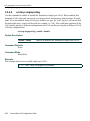
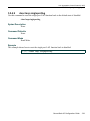
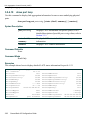
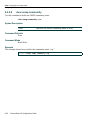
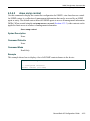
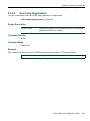
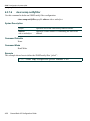
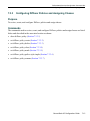
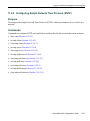
Setting Auto-Negotiation
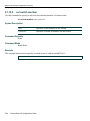
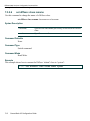
3.3.5.1
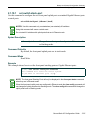
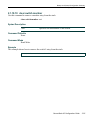
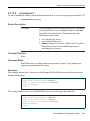
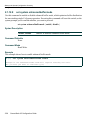
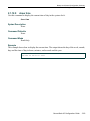
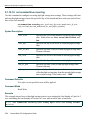
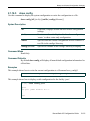
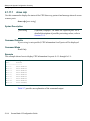
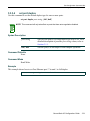
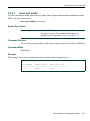
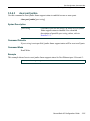
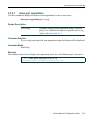
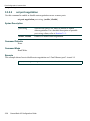
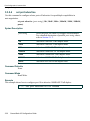
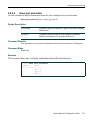
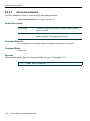
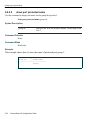
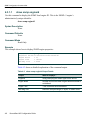
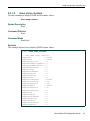
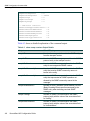
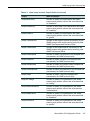
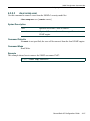
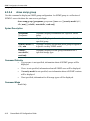
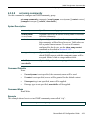
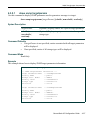
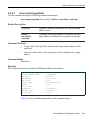
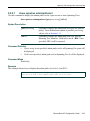
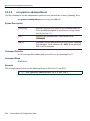
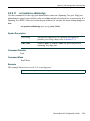
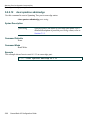
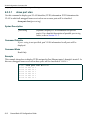
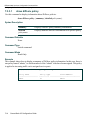
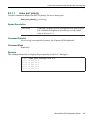
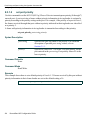
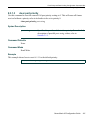
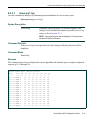
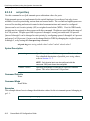
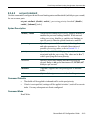
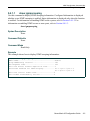
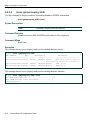
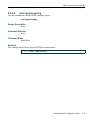
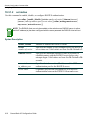
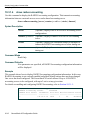
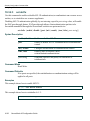
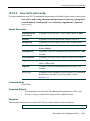
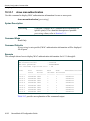
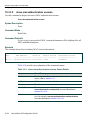
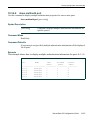
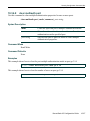
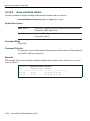
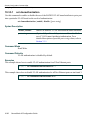
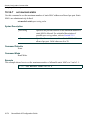
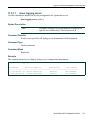
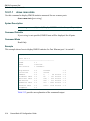
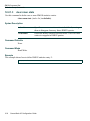
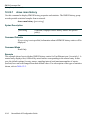
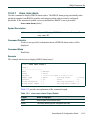
show port negotiation
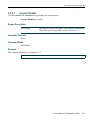
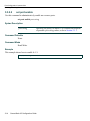
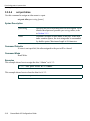
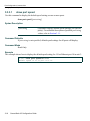
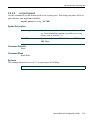
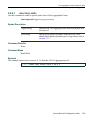
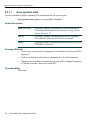
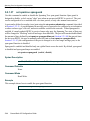
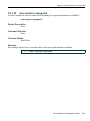
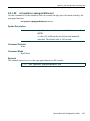
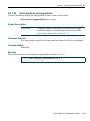
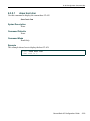
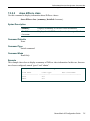
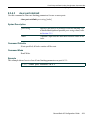
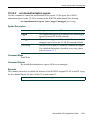
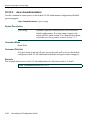
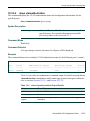
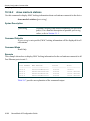
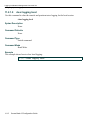
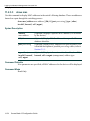
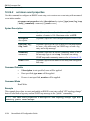
Use this command to display the status of auto-negotiation for one or more ports.
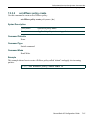
show port negotiation [port-string]
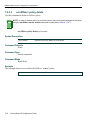
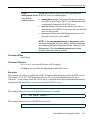
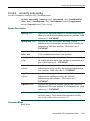
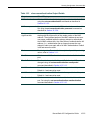
Syntax Description
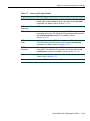
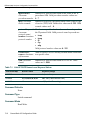
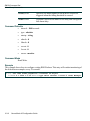
port-string
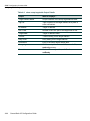
(Optional) Displays auto-negotiation status for specific
port(s). For a detailed description of possible port-string
values, refer to Section 3.1.1.
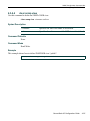
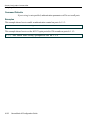
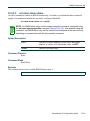
Command Defaults
If port-string is not specified, auto-negotiation status for all ports will be displayed.
Command Mode
Read-Only.
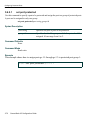
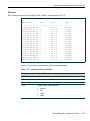
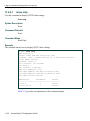
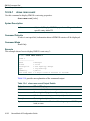
Example
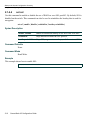
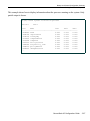
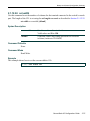
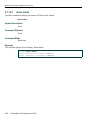
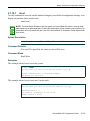
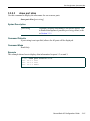
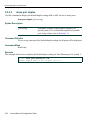
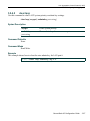
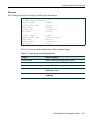
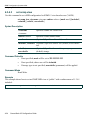
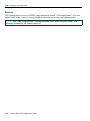
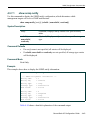
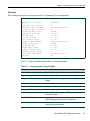
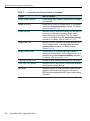
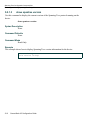
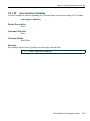
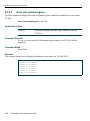
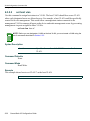
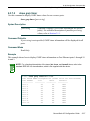
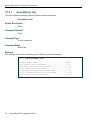
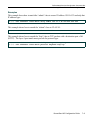
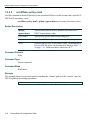
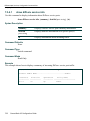
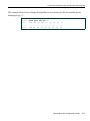
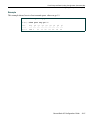
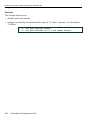
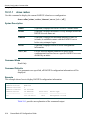
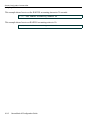
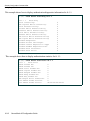
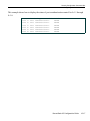
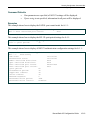
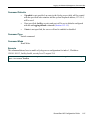
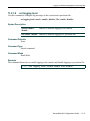
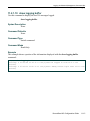
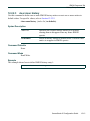
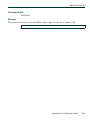
This example shows how to display auto-negotiation status for 1-Fast Ethernet port 14 in unit 3:
A2(rw)->show port negotiation fe.3.14
auto-negotiation is enabled on port fe.3.14.
SecureStack A2 Configuration Guide
3-27