1
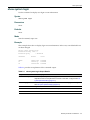
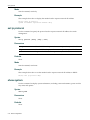
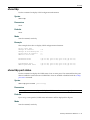
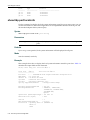
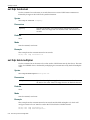
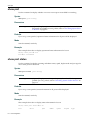
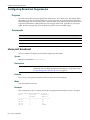
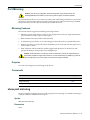
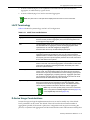
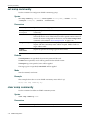
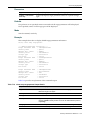
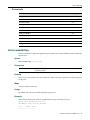
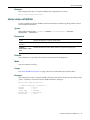
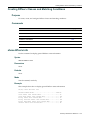
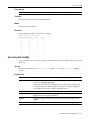
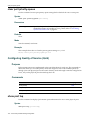
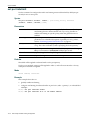
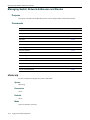
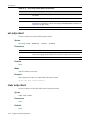
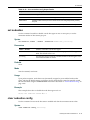
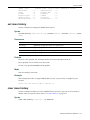
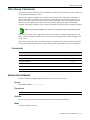
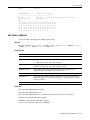
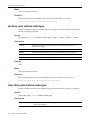
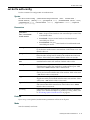
clear port priority
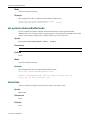
Syntax
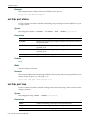
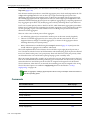
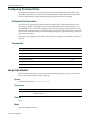
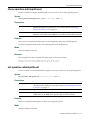
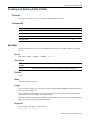
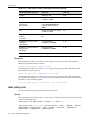
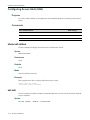
set port priority port-string priority
Parameters
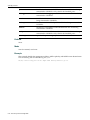
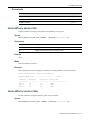
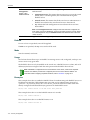
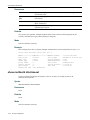
port‐string
Specifies the port for which to set priority. For a detailed description of possible port‐string values, refer to “Port String Syntax Used in the CLI” on page 6‐1.
priority
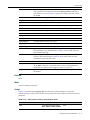
Specifies a value of 0 to 7 to set the CoS priority for the port entered in the port‐string. Priority value of 0 is the lowest priority. Defaults
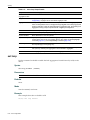
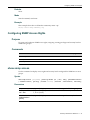
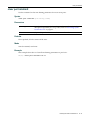
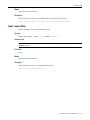
None.
Mode
Switch command, read‐write.
Usage
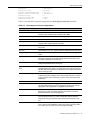
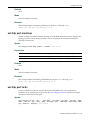
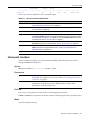
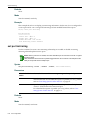
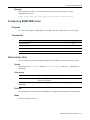
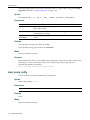
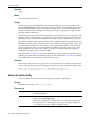
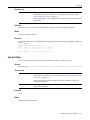
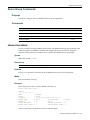
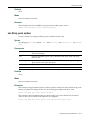
The set port priority command will not change the 802.1p priority tag on tagged traffic with a default priority tag. The command only has an effect on how untagged traffic will be prioritized as it passes internally through the device.
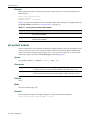
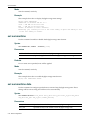
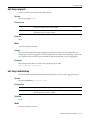
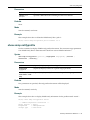
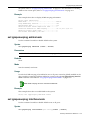
Example
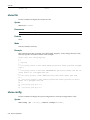
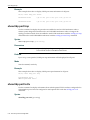
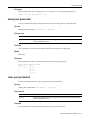
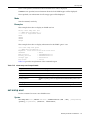
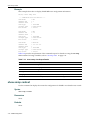
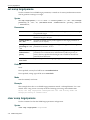
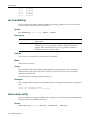
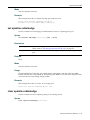
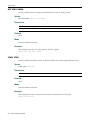
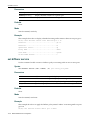
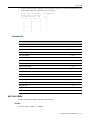
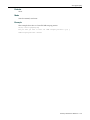
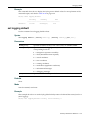
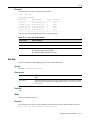
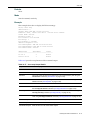
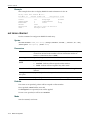
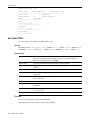
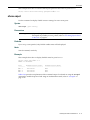
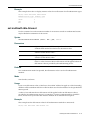
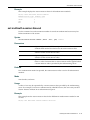
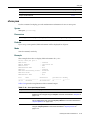
This example shows how to set a default priority of 6 on fe.1.3. Frames received by this port without priority information in their frame header are set to the default setting of 6:
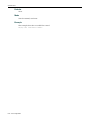
D2(su)->set port priority fe.1.3 6
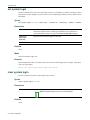
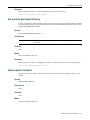
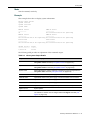
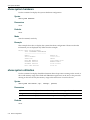
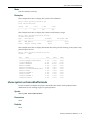
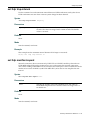
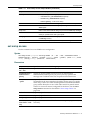
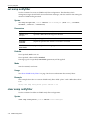
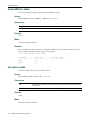
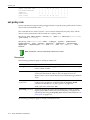
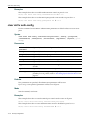
clear port priority
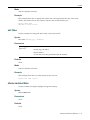
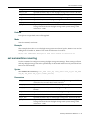
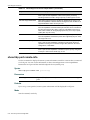
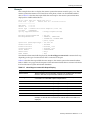
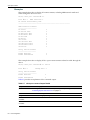
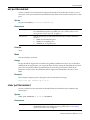
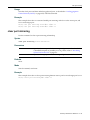
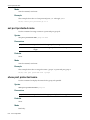
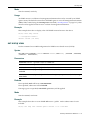
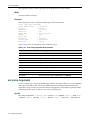
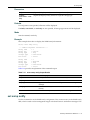
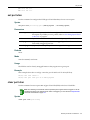
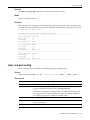
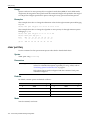
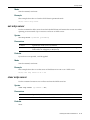
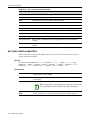
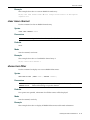
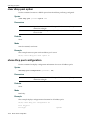
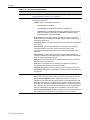
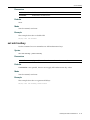
Use this command to reset the current CoS port priority setting to 0. This will cause all frames received without a priority value in its header to be set to priority 0.
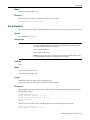
Syntax
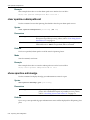
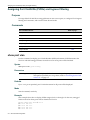
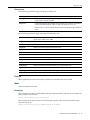
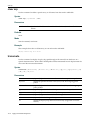
clear port priority port-string
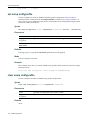
Parameters
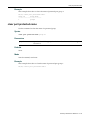
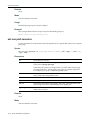
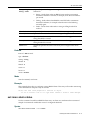
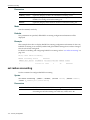
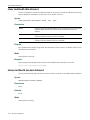
port‐string Specifies the port for which to clear priority. For a detailed description of possible port‐string values, refer to “Port String Syntax Used in the CLI” on page 6‐1.
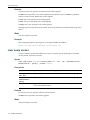
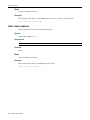
Defaults
None.
Mode
Switch command, read‐write. Enterasys D-Series CLI Reference
12-3