1
DX-80 INSTALLATION AND MAINTENANCE MANUAL
Related Features
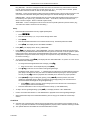
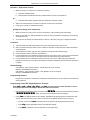
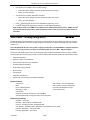
Intercom calling
All “dial-access” features
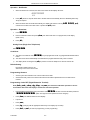
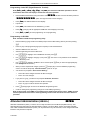
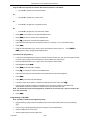
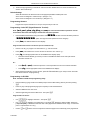
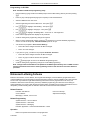
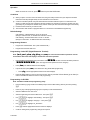
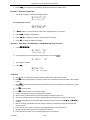
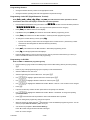
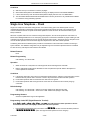
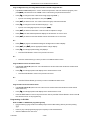
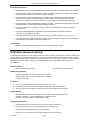
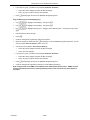
Operation – Disable
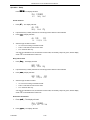
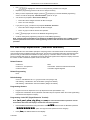
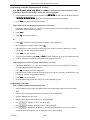
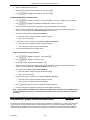
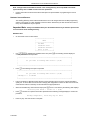
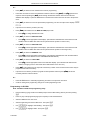
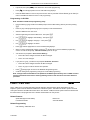
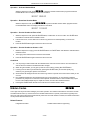
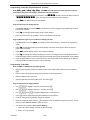
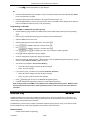
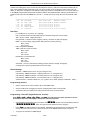
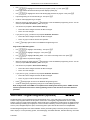
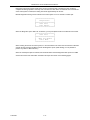
While the telephone is idle, press !/6. The display will momentarily show the feature status
invoked:
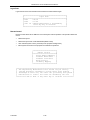
HOT KEY DISABLED
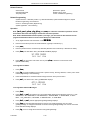
Operation – Enable
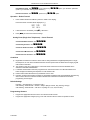
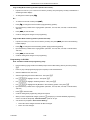
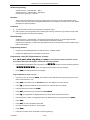
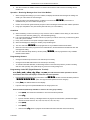
While the telephone is idle, press !/6. The display will momentarily show the feature status
invoked:
HOT KEY ENABLED
Default Setting
Hot Key is enabled.
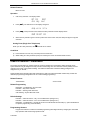
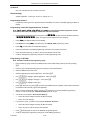
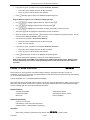
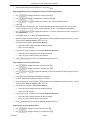
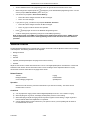
!92
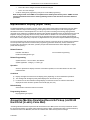
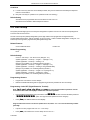
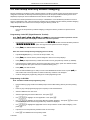
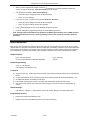
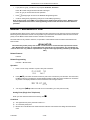
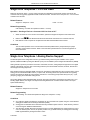
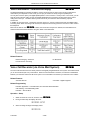
Hotel Mode – Alarm Clock Extension
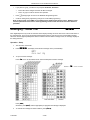
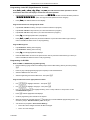
!7/
– Room Status
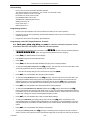
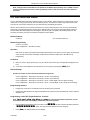
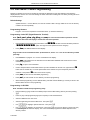
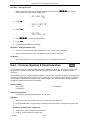
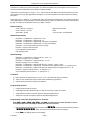
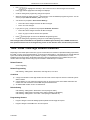
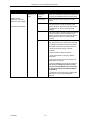
Hotel Mode can be enabled in the system programming. This feature allows the system attendant to administer
certain system extension features to emulate hotel operations.
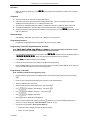
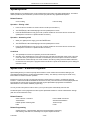
The system attendant can:
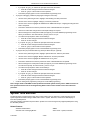
Set extension wakeup calls via the Alarm Clock-Extension feature.
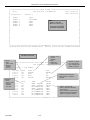
Set extension status to Checked IN, Checked OUT and Clean such that the associated LED of DSS/BLF buttons for
the extension indicate the current status. In “Checked Out” and “Clean” modes, dialing at the extension is restricted to
intercom calls only.
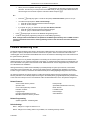
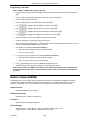
Related Features
Extension Password – Attendant
Alarm Clock - Extension
Related Programming
System Resource – Attendant
Call Handling – Hotel Enable
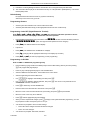
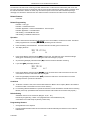
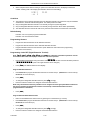
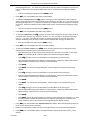
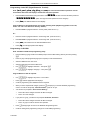
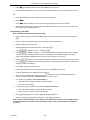
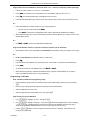
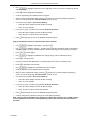
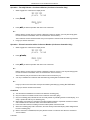
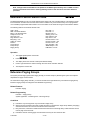
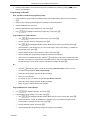
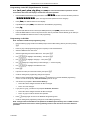
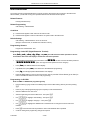
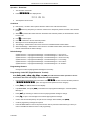
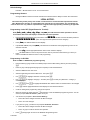
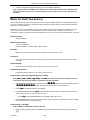
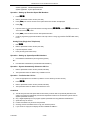
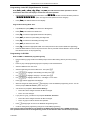
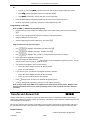
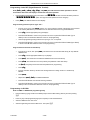
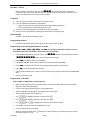
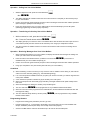
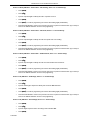
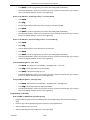
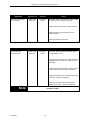
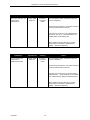
Operation – Wake Up Calls (via Alarm Clock Extension)
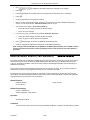
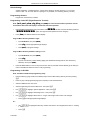
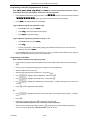
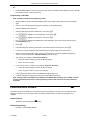
1.
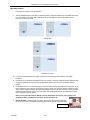
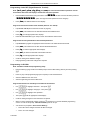
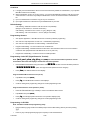
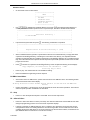
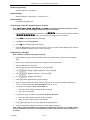
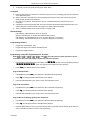
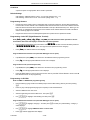
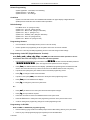
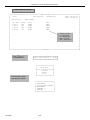
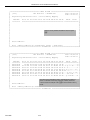
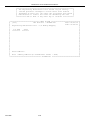
While the Attendant extension is idle, press !92. The display shows:
EXTENSION :_
bksp show chg
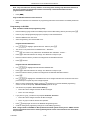
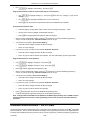
2.
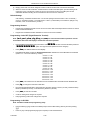
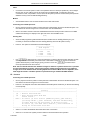
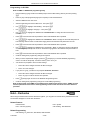
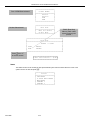
Input the extension for which the Wakeup call is to be set. Then press [show].
ALARM TIME:NULL
chg
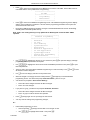
3.
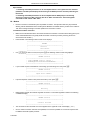
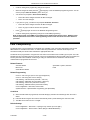
Press [chg].
P7290 IMM
3-162