1
DX-80 INSTALLATION AND MAINTENANCE MANUAL
Conditions
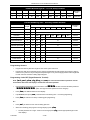
a)
b)
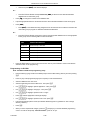
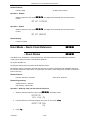
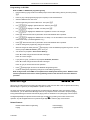
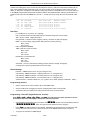
If a CO Line is busy when the access attempt is made, busy tone is heard and momentarily the telephone
returns to an idle status.
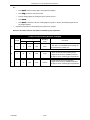
Busy CO Lines may be queued for use. (Reference CO Line Queuing.)
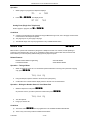
Default Setting
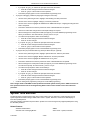
All extensions are programmed with CO Line buttons for CO Lines 1~6.
All extensions are allowed to dial all telephone numbers.
CO Line Group
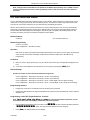
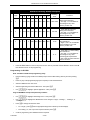
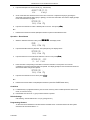
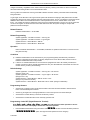
The system provides eight (8) CO Line Groups for assignment of specific CO lines. The CO Line Group assignment
is used for CO Line Pool access.
The CO Line Groups are (default) designated by three-digit notation when programmed on Digital extension
programmable feature buttons, with the exception of CO Line Group 1, which is default designated a one-digit “9.” CO
Line Groups 2 through 8 are programmed by dialing 800 through 806.
Related Features
CO Line Alternate Route
Private Line
Related Programming
None
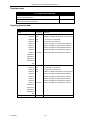
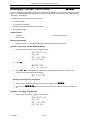
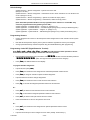
Default Settings
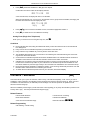
CO Line – CO Group = 1 for all CO Lines. (Range is 1-8.)
System Application – CO Group – Length 1 = 1 (Range is 1-4.)
System Application – CO Group – Leading 1 = 9
(Range is any available, non-conflicting Directory Number.)
System Application – CO Group – Length 2 = 3 (Range is 1-4.)
System Application – CO Group – Leading 2 = 80 (yields 800-806)
(Range is any available, non-conflicting Directory Number.)
System Application – CO Group – Length 3~5 = 3 (Range is 1-4.)
System Application – CO Group – Leading 3~5 = NULL
(Range is any available, non-conflicting Directory Number.)
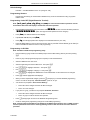
Programming Abstract
•
Program the Lines into the CO Line Groups.
•
Reference Flexible Numbering Plan for programming of Directory Numbers for CO Line Groups.
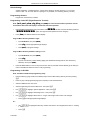
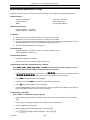
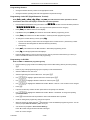
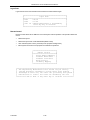
Programming via the DET (Digital Extension Terminal)
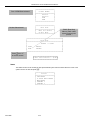
Note: [back], [next], [show], [chg], [bksp], and [save] are LCD interactive button operations. Use the
three buttons below the LCD display to actuate the associated operation.
•
•
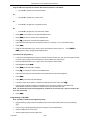
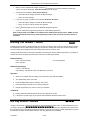
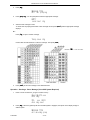
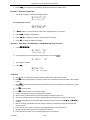
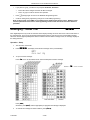
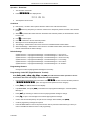
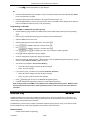
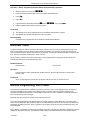
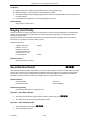
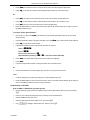
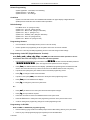
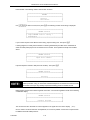
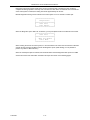
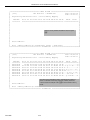
Enter Database Administration using the feature code !+* and then enter the DB Admin password
“++++++++.” (Note: This eight-character password can be changed.)
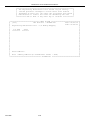
Press [show]. The DB Item Select screen displays.
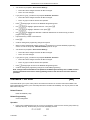
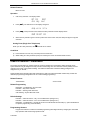
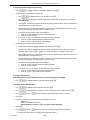
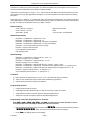
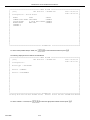
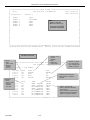
Program extensions for CO Line Access. (Index 02-ccc-03, where “ccc” = the CO Line Directory number
[740-755]):
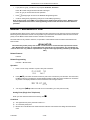
•
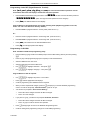
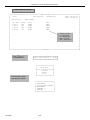
Input 02-ccc-03 to program CO Line “ccc” – Line Group.
•
Press [save]. This advances to CO Line Group for CO Line “ccc.”
P7290 IMM
3-67