1
DX-80 INSTALLATION AND MAINTENANCE MANUAL
Diagnostic Test activity has the lowest priority in CPU processing tasks. Therefore the time required to
complete this testing operation could vary from one test to the next. When an automatic test or manual test
of the entire system is invoked, the testing time will be approximately 30 minutes.
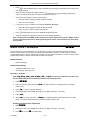
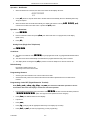
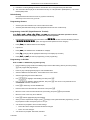
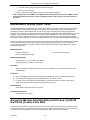
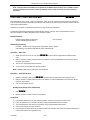
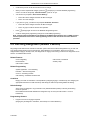
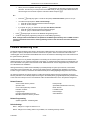
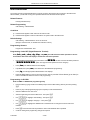
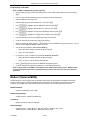
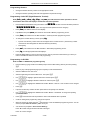
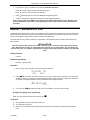
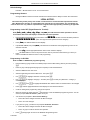
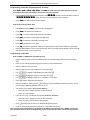
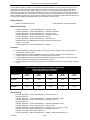
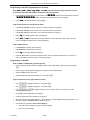
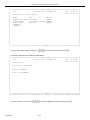
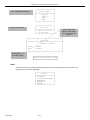
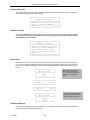
Manual Diagnostics testing can be invoked for the entire system or for one module or module port.
┌────────────────────┐
│
Diagnostics
│
├────────────────────┤
│
Self Test
│
│
Test Report
│
└────────────────────┘
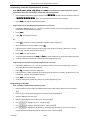
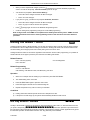
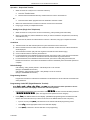
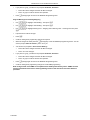
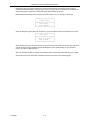
When the Diagnostic option “Self Test” is selected, you are prompted to Wait For the Result or Don’t Wait.
┌────────────────────┐
│
Self Test
│
├────────────────────┤
│
Wait for Result │
│
Don’t Wait
│
└────────────────────┘
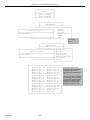
When invoking the test for the entire system, it is recommended not to wait for the result since this will take
several minutes and force PC-DBA to wait for the diagnostic report. (While waiting, it is not possible to
perform any other PC-DBA functions.)
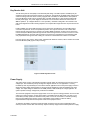
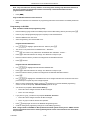
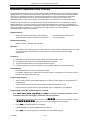
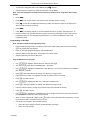
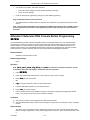
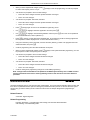
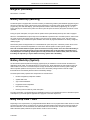
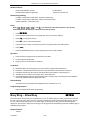
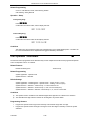
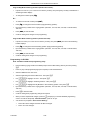
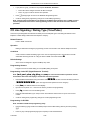
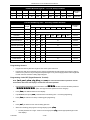
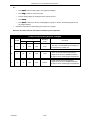
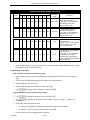
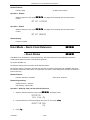
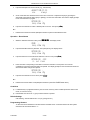
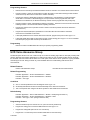
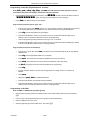
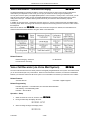
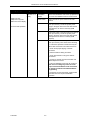
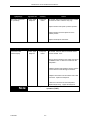
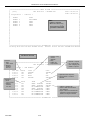
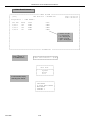
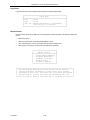
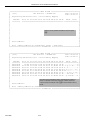
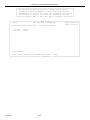
When the Test Report option is selected, the DX-80 will deliver the last Diagnostics test report to PC-DBA.
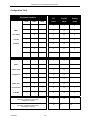
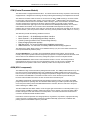
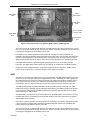
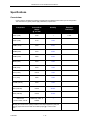
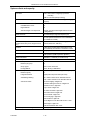
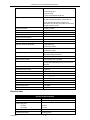
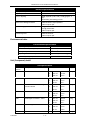
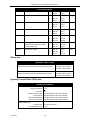
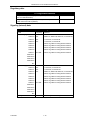
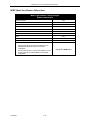
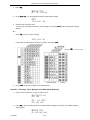
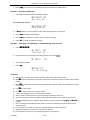
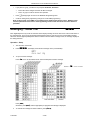
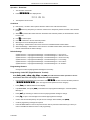
Screens and notes of the information included in this report are shown on the following pages:
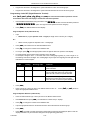
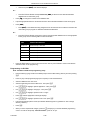
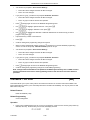
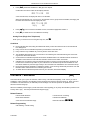
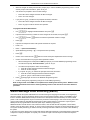
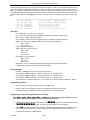
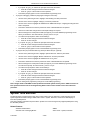
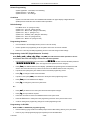
P7290 IMM
4-17