1
DX-80 INSTALLATION AND MAINTENANCE MANUAL
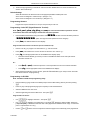
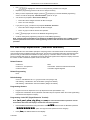
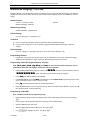
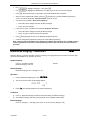
Operation – Notification
1.
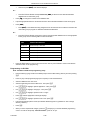
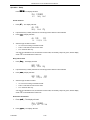
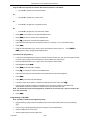
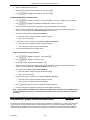
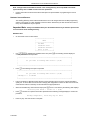
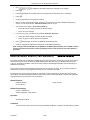
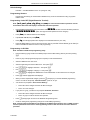
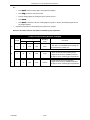
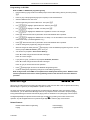
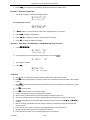
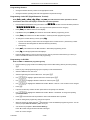
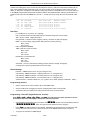
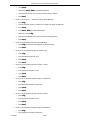
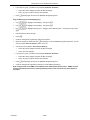
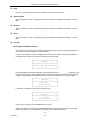
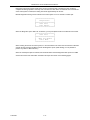
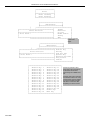
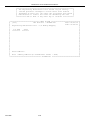
When the alarm time is reached, the alert tone is heard and the display will show:
ALARM REACHED
ack
2.
3.
Press [ack] button to stop the alarm alert or the alert will end automatically when the database [Alarm Play
Time] has expired.
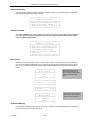
When the alarm alert has ended automatically, the display will continue to show [ALARM
REACHED], [ack]
until the user invokes some other action or presses the [ack] button.
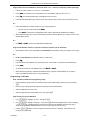
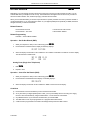
Operation – Deactivate
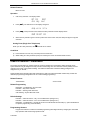
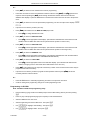
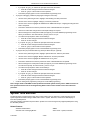
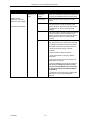
1.
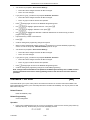
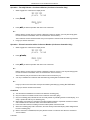
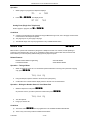
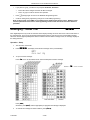
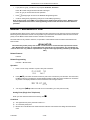
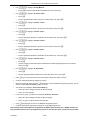
Press !92.
2.
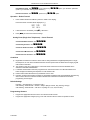
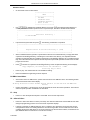
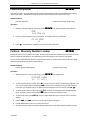
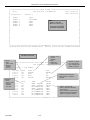
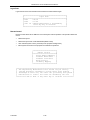
Enter an extension number and press [show]. If an alarm alert time is not programmed, it will display
(NULL=none).
3.
Press [del].
Analog Ports (Single Line Telephones)
Dial #*92.
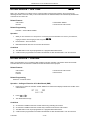
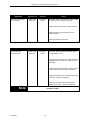
Conditions:
b)
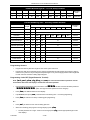
The Alarm Clock feature code (!92) may be programmed under any programmable flexible feature
button.
The alarm clock will be automatically canceled after the programmed Alarm Play Time is reached.
c)
The display will be unchanged until [ack] is pressed or when the telephone is used for another call.
a)
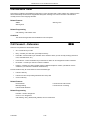
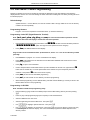
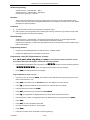
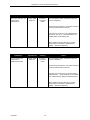
Default Setting:
No Extension Alarm times are set.
Alarm Play Time is set at 30 seconds.
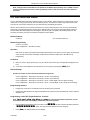
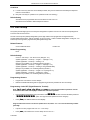
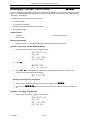
Programming Abstract:
•
Set the system time and date to the correct local time and date.
•
Set the Alarm Play Time for the time that the alert tone should be repeated when the set alarm time is
reached.
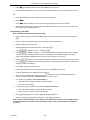
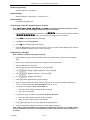
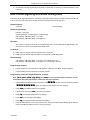
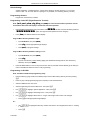
Programming via the DET (Digital Extension Terminal)
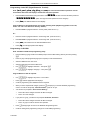
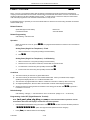
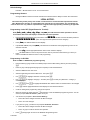
Note: [back], [next], [show], [chg], [bksp], and [save] are interactive LCD button operations. Use the
three buttons below the LCD display to actuate the associated operation.
•
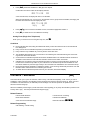
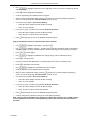
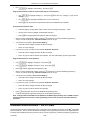
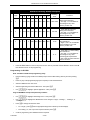
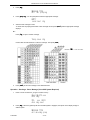
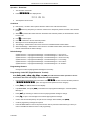
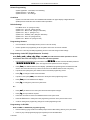
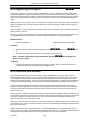
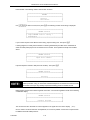
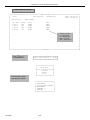
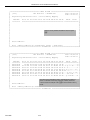
Enter Database Administration using the feature code !#* and then enter the DB Admin password
“########.” (Note: This eight-character password can be changed.)
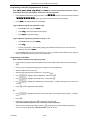
•
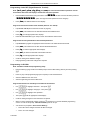
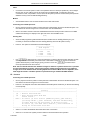
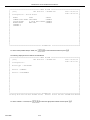
Press [show]. The DB Item Select screen displays.
•
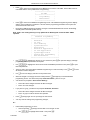
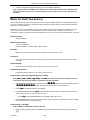
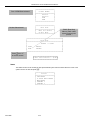
Input 03-19.
•
Press [save].
•
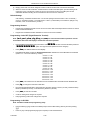
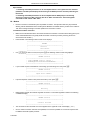
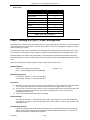
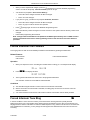
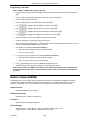
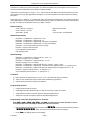
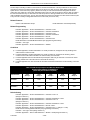
Press [chg] (change) until the appropriate Alarm Play Time displays (in seconds).
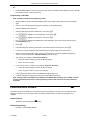
•
Press [back] or [next] to continue programming. Or exit programming.
P7290 IMM
3-4