1
5i Series IP Phone Release Notes
XML Features
XML Features
New “doneAction” Attribute for XML Text Screen Object
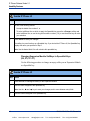
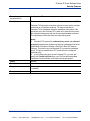
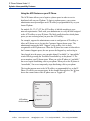
You use the AastraIPPhoneTextScreen object to display text to the LCD screen
on the IP Phone. The screen text wraps appropriately and can scroll to display a
message longer then four lines.
After implementing this object, text displays to the LCD on the IP phone.
A user can scroll through the screens as required. If you use the
“destroyOnExit” attribute in the XML script, when the user exits the
XML screens, the screens are destroyed.
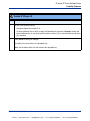
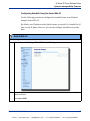
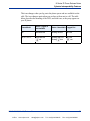
A new feature in Release 2.1 allows specific text screens to redisplay for
redirection to a new page by using the “doneAction” attribute and
specifying the new page to go to in the XML script.
Notes:
1. You can use the “destroyOnExit” attribute with any XML object as
required.
2. You can use the “doneAction” attribute with the
AastraIPPhoneTextScreen and AastraIPPhoneFormattedTextScreen
objects only.
3. For all available parameters you can use for the Text Screen object, and
for an explanation of each parameter, see Aastra Telecom’s
"XML Developer’s Guide".
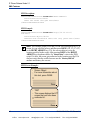
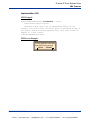
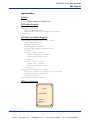
Implementation
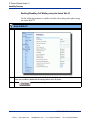
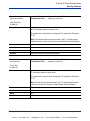
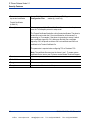
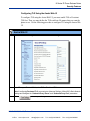
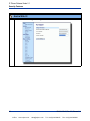
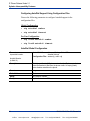
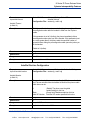
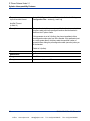
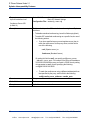
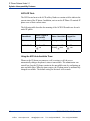
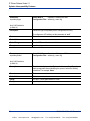
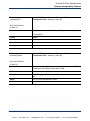
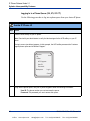
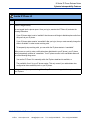
The following is how you would implement the Text Screen object.
Softkey:
•
6=Done
RN-001029-00, Rev 03, Release 2.1
VoIPon
www.voipon.co.uk
[email protected]
39
Tel: +44 (0)1245 808195
Fax: +44 (0)1245 600030