1
IP Phone Release Notes 2.1
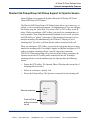
Sylantro Interoperability Features
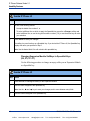
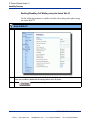
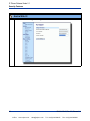
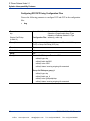
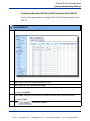
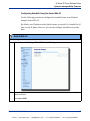
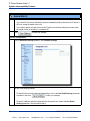
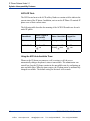
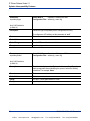
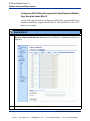
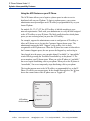
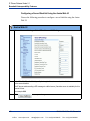
Aastra Web UI
3
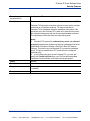
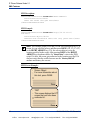
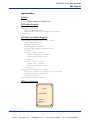
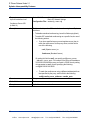
Click
to save your changes.
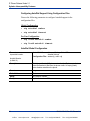
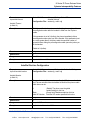
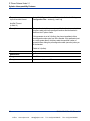
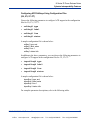
Per-Line Configuration
1
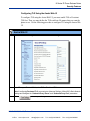
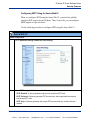
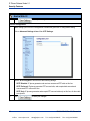
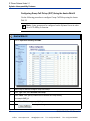
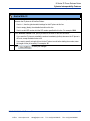
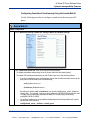
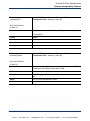
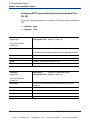
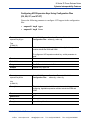
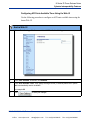
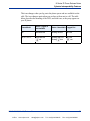
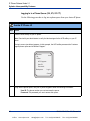
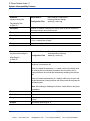
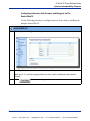
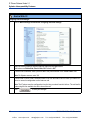
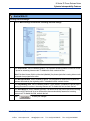
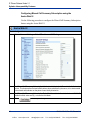
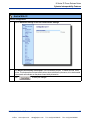
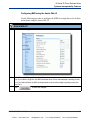
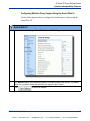
Click on Advanced Settings->Line <#>->Basic SIP Network Settings
2
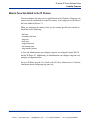
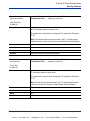
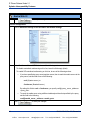
In the “Conference Server URI” field, do one of the following actions:
•
To disable centralized conferencing on this line, leave this field empty (blank).
•
To enable SIP centralized conferencing on this line, do one of the following actions:
—
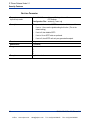
If you have specified a proxy server/registrar server, then to reach the media server via the
proxy server, set this field to one of the following:
conf (Sylantro server), or
Conference (Broadsoft server)
By setting this field to conf or Conference, you specify conf@<proxy_server _address>:
<proxy_port>.
—
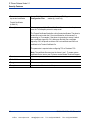
To reach the media server using a different address/port than that specified by the proxy,
set this field to the following:
conf@<media_server _address>: <media_port>
3
Click
to save your changes.
64
RN-001029-00, Rev 03, Release 2.1
VoIPon
www.voipon.co.uk
[email protected]
Tel: +44 (0)1245 808195
Fax: +44 (0)1245 600030