1
Chapter 7-2
Engine monitoring
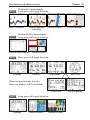
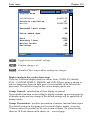
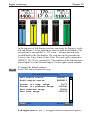
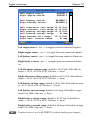
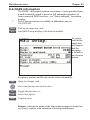
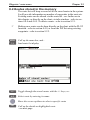
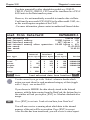
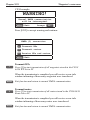
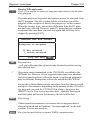
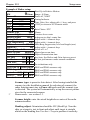
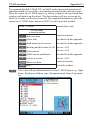
The engine monitoring system provides analog graphical gauges and
digital (numerical readings) data for up to four engines - see display
examples further on in this chapter.
General settings
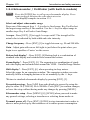
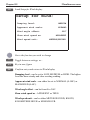
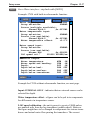
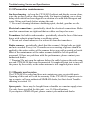
SimNet will auto detect the engines at start-up and will automatically set up the parameters in default mode. Before using the engine
monitor system, you may want to edit the setup to customize the
read-out. The top line identifies the engine/battery, the default is
ENGINE 1 to 4 or BATTERY 1 to 4. Insert the correct name for the
engine/battery in the Interface setup:
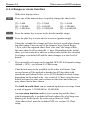
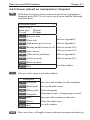
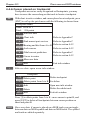
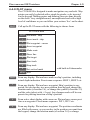
MENU
8,2
PLOT
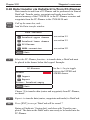
Call up the menu bar, and...
load the Interface setup
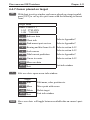
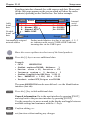
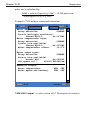
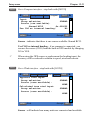
Use the [PLOT] key to go to the Engine tab
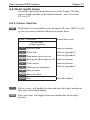
Go to the name you wish to change,
- refer to section 2.6 Naming of routes, points etc.
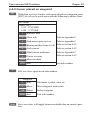
ENT
Confirm entry and exit
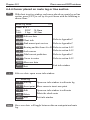
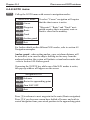
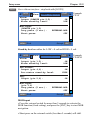
To change the measuring units, refer to ‘Setup for units’ in section
10.5.