1
Waypoint / route menu
Chapter 9-9
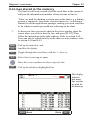
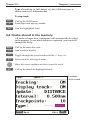
9.4 Lines stored in the memory
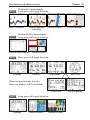
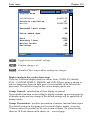
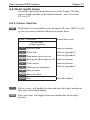
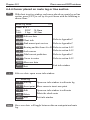
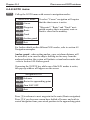
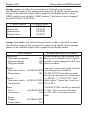
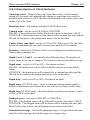
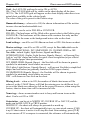
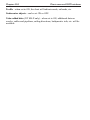
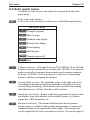
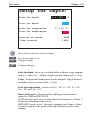
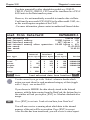
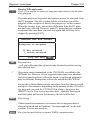
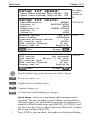
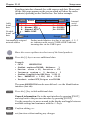
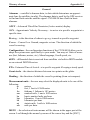
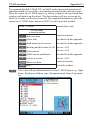
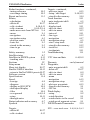
The line list will keep a record of all the saved lines in the system. It
will provide information on number of line sections in line etc.
‘Lines’ are used for defining a certain area on the chart e.g. a fishing
ground, a shipwreck, large rocks, restricted areas etc., or defining a
channel to sail through narrow passages, making your own coast line
or for whatever reason you could use a drawing on the chart.
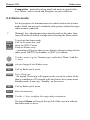
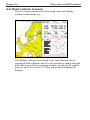
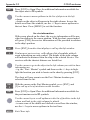
To draw new lines you need a chart in the active window, place the
cursor where you wish to start the line, and press [PLOT]. Then
follow the instructions in the info windows. Refer to section 4.4.9.
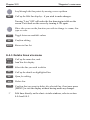
Lines can also be edited directly on the chart via info windows, refer
to section 4.4.4 and 4.4.5.
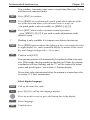
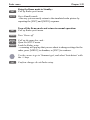
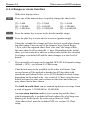
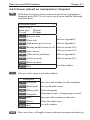
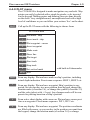
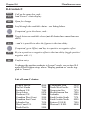
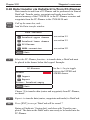
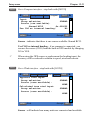
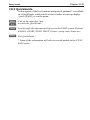
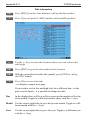
MENU
7,4
Call up the menu bar, and...
load line list display
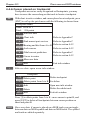
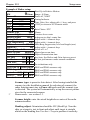
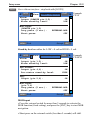
+/-
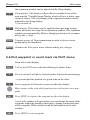
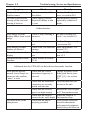
Toggle through the stored lines with the +/- keys, or...
A-Z
Select line by entering its name
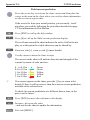
Move the cursor up/down to select a specific line
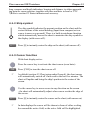
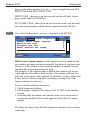
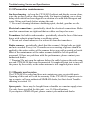
ENT
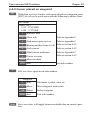
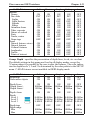
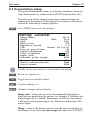
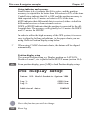
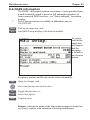
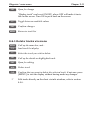
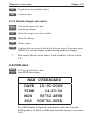
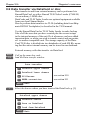
Call up the details on highlighted line
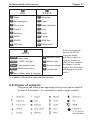
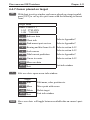
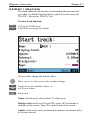
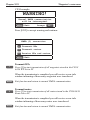
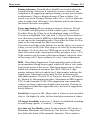
This display
indicates
how many
line sections
are used for
the drawing.
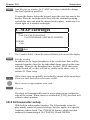
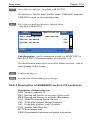
MENU
Exit
Edit
ENT