1
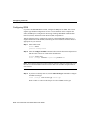
Configuring the Router
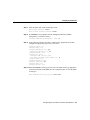
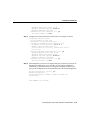
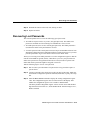
AppleTalk ending cable range [3]: 4
AppleTalk zone name [myzone]: ZZ Serial
AppleTalk additional zone name:
Configure IPX on this interface? [no]: yes
IPX network number [2]: B002
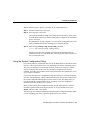
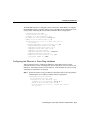
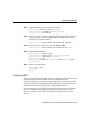
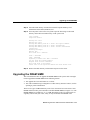
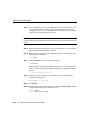
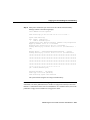
Step 3 Configure the second synchronous serial interface, for example, as follows:
Configuring interface Serial1:
Is this interface in use? [yes]:
Configure IP on this interface? [yes]:
Configure IP unnumbered on this interface? [no]:
IP address for this interface: 172.16.74.2
Number of bits in subnet field [8]:
Class B network is 172.16.0.0, 8 subnet bits; mask is
255.255.255.0
Configure AppleTalk on this interface? [no]: yes
AppleTalk starting cable range [3]: 5
AppleTalk ending cable range [4]: 5
AppleTalk zone name [myzone]: ZZ Serial
AppleTalk additional zone name:
Configure IPX on this interface? [no]: yes
IPX network number [3]: B003
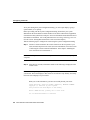
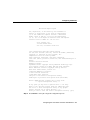
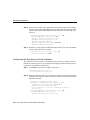
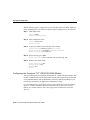
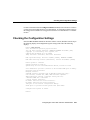
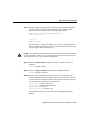
Step 4 The configuration you enter is now displayed and you are asked if you want to use
the displayed configuration. If you enter no, you will lose the configuration
information you just entered and you can begin the configuration again. If you
enter yes, the configuration will be entered and saved in the startup configuration:
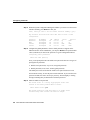
Use this configuration? [yes/no]: yes
Building configuration...
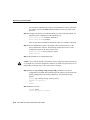
Use the enabled mode 'configure' command to modify this
configuration.
Press RETURN to get started!
Configuring the Cisco 2524 and Cisco 2525 Routers 4-13