1
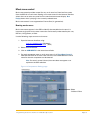
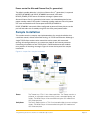
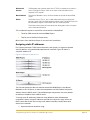
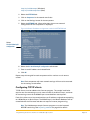
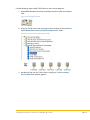
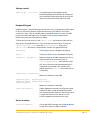
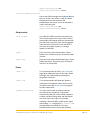
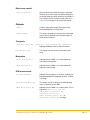
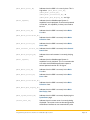
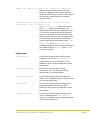
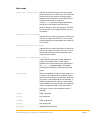
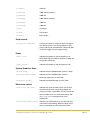
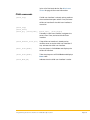
Keypads Keypad commands provide a method for controlling music playback from any zone on any Kaleidescape player without requiring control feedback. Although keypad commands were created for keypads, these commands can use any button-like input, a button on a keypad or touch panel, a motion sensor, or any other input device. Kaleidescape provides two different types of keypad commands. Presets Music collections With the keypad presets commands, a keypad can be programmed to play a predetermined music item that can be easily changed by the user. With the music collections commands, a keypad can be programmed so users can cycle through music items within a music collection. Using Music Presets A preset ties a music item in the Kaleidescape System to a keypad button or other input trigger. Any music item can be saved as a preset, and there is no limit to the number of presets that can be used in a system. The same music presets can be used throughout an installation, or each zone can have a separate set of presets. Presets can be set in any manner useful for the installation. For example, a button designated My Music can be set in the family room that plays the same music preset as any other My Music button in the installation. Alternately, every keypad in an installation can have unique presets assigned to each individual button. In this scenario, setting a music preset to the first button in the family room does not affect buttons on the kitchen keypad. These approaches can be combined. A set of rooms can share a set of presets. For example, the breakfast nook, hallway, and entryway can all share one set of presets, while each child’s room has unique presets. Programming Crestron Controllers for a Kaleidescape System Page 13