1
Sensorsoft Remote Watchman Express/Client User Manual
Removing Selected RWMX/RWMC Instances
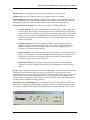
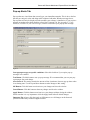
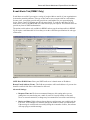
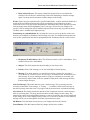
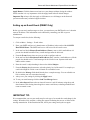
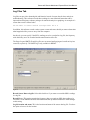
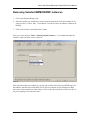
1. Click on the Instance Manager tab.
2. Select the instance you would like to remove from the drop down list. In this example we are
going to remove “Venice, Italy – Server Room”. In order to remove an instance it must not be
running.
3. Click on the ‘Remove Selected Instance’ button.
After you see the message “Done - removing software instance…” you should notice that the
instances’ folder and short-cuts are removed.
Figure 12
Once the removal has been completed, you may wish to delete the log files and HTML pages, for
that instance, that have been left behind. The log files can consume several megabytes of hard
drive space, after extended use of the software, and it is therefore beneficial to remove the files if
they are not going to be used in the future.
28