1
SECTION 3: SYSTEM SETUP
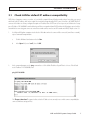
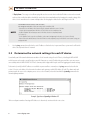
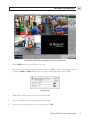
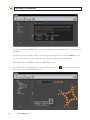
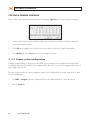
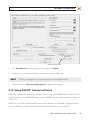
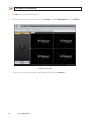
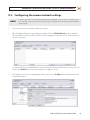
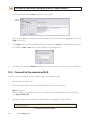
10. Configure the preferred network settings in the IP Address, Gateway, and DNS frames, then click OK.
NOTE
11.
To access the Internet from the system, you must define a DNS server. Contact your system administrator for more information.
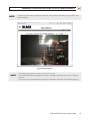
Verify that the Ethernet LAN cable is attached to your hDVR.
3.9 Configuring analog cameras (AH, EH, PH systems only)
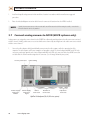
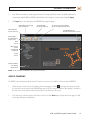
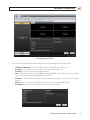
Analog cameras are automatically added to the hDVR system. The video image from the camera will appear on the camera channel
associated with the video connector it is physically attached to. If the camera has an associated audio channel, it must be enabled in
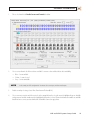
the software. Use the following procedure to enable audio.
Enable analog camera audio channel
1.
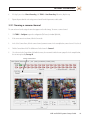
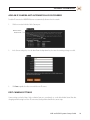
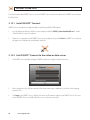
Click TOOLS > Pause Recording if it appears in the menu, then click OK in the Warning window. Pause Recording only
appears in the menu if the hDVR is recording.
NVR and hDVR Systems Setup Guide
17