1
AN0822: Simplicity Studio™ User Guide
Overview
2.1 Part Selection
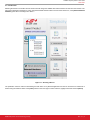
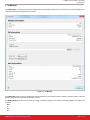
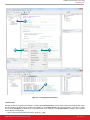
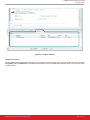
Selecting the device in the Product area of the launcher will change the available tiles and the behavior of each tile in the launcher. The
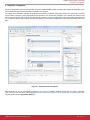
part can be selected by searching for a part, using the Parametric Search button to the left of the search box, or the [Refresh detected
hardware] option after connecting a kit or board.
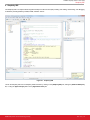
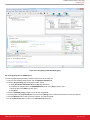
Figure 2.1. Selecting a Device
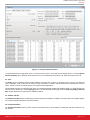
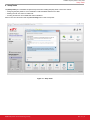
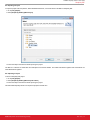
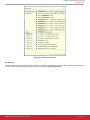
The parametric search is useful for determining the best device for a particular application and can be narrowed to a smaller list of
devices using the selection criteria or the [Filter] text box in the lower right. To select a device, highlight it in the list and click [Select].
silabs.com | Smart. Connected. Energy-friendly.
Rev. 0.2 | 3