1
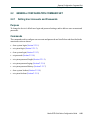
Port Configuration Command Set
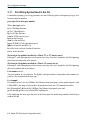
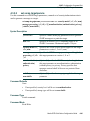
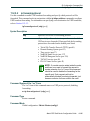
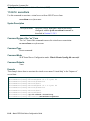
Configuring Link Traps and Link Flap Detection
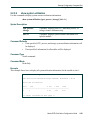
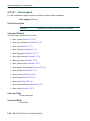
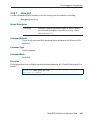
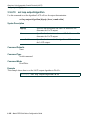
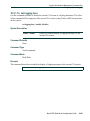
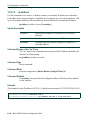
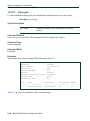
3.3.8.12
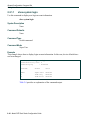
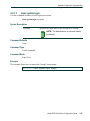
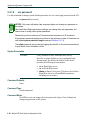
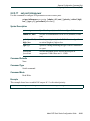
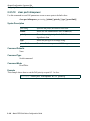
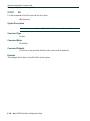
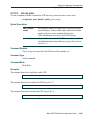
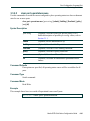
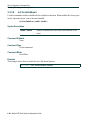
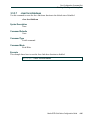
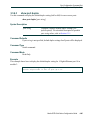
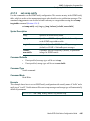
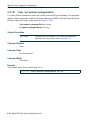
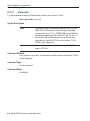
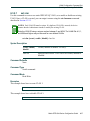
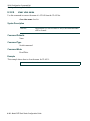
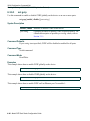
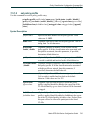
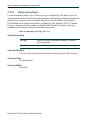
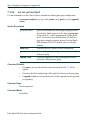
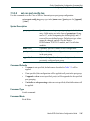
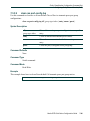
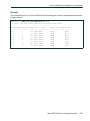
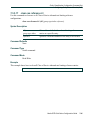
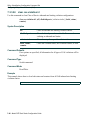
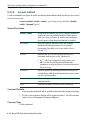
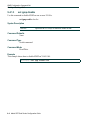
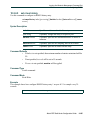
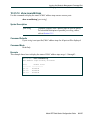
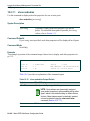
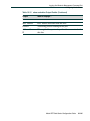
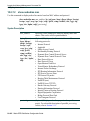
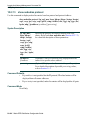
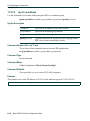
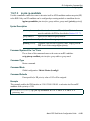
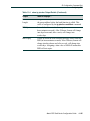
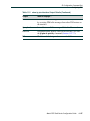
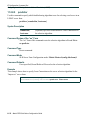
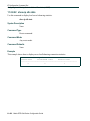
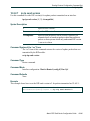
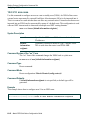
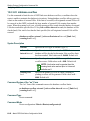
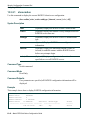
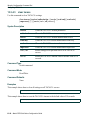
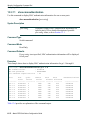
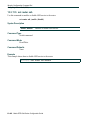
clear linkflap
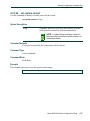
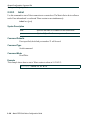
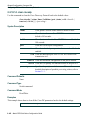
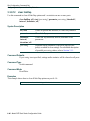
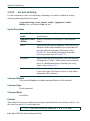
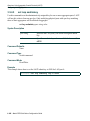
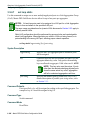
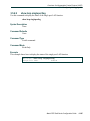
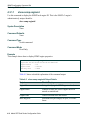
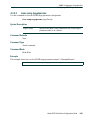
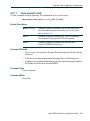
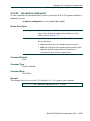
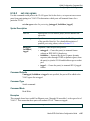
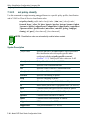
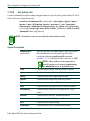
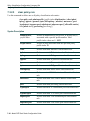
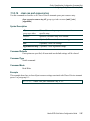
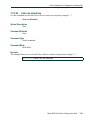
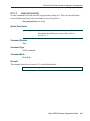
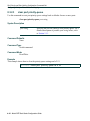
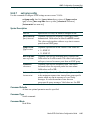
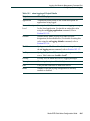
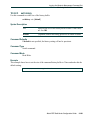
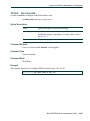
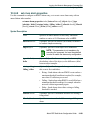
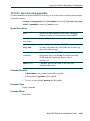
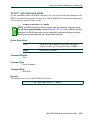
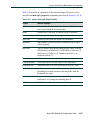
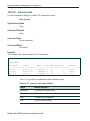
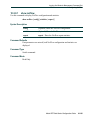
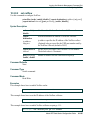
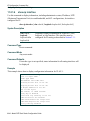
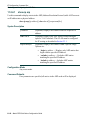
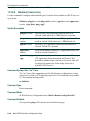
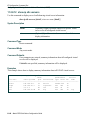
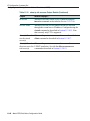
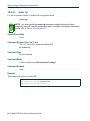
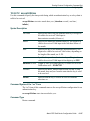
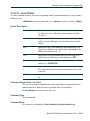
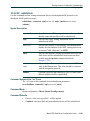
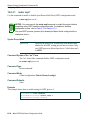
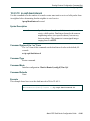
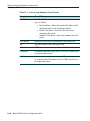
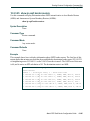
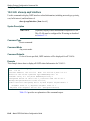
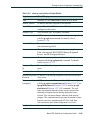
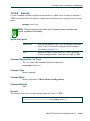
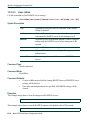
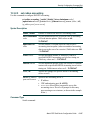
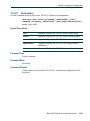
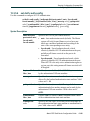
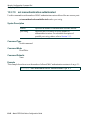
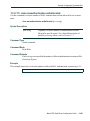
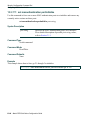
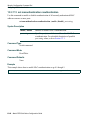
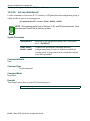
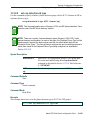
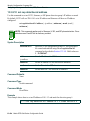
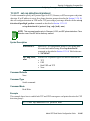
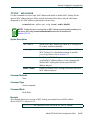
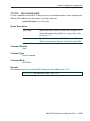
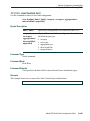
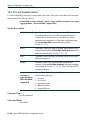
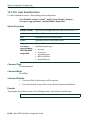
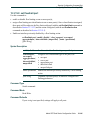
Use this command to clear all link flap options and / or statistics on one or more ports.
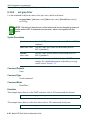
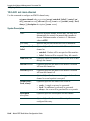
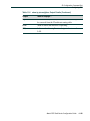
clear linkflap {all | stats [port-string] | parameter port-string {threshold |
interval | downtime | all}
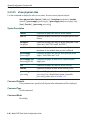
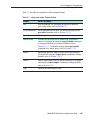
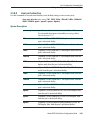
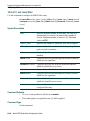
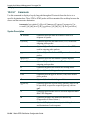
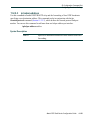
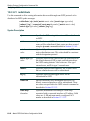
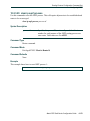
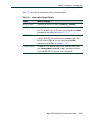
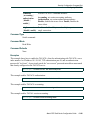
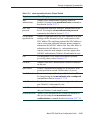
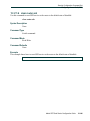
Syntax Description
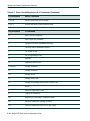
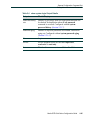
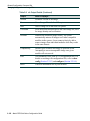
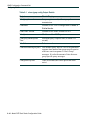
all | stats
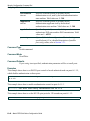
Clears all options and statistics, or clears only statistics.
parameter
Clears link flap parameters.
threshold |
interval |
downtime | all
Clears link flap threshold, interval, downtime or all
parameters.
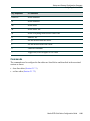
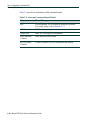
port-string
(Optional unless parameter is specified) Specifies the
port(s) on which to clear settings. For a detailed description
of possible port-string values, refer to Section 3.1.1.
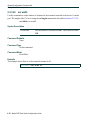
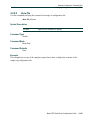
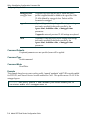
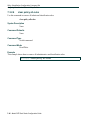
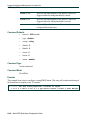
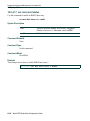
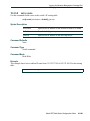
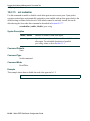
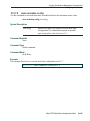
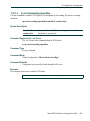
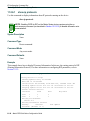
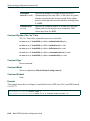
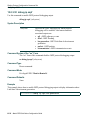
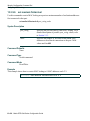
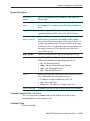
Command Defaults
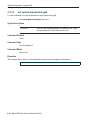
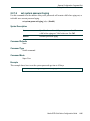
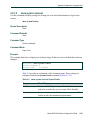
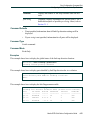
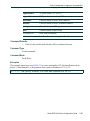
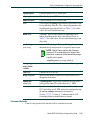
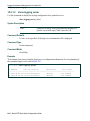
If port-string is not specified, settings and/or statistics will be cleared on all ports.
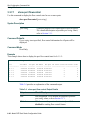
Command Type
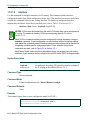
Switch command.
Command Mode
Read-Write.
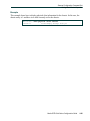
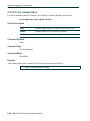
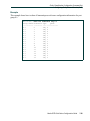
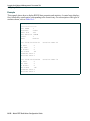
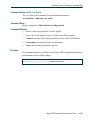
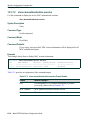
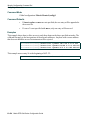
Examples
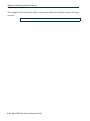
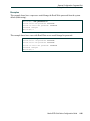
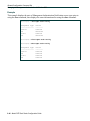
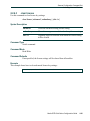
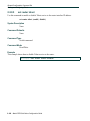
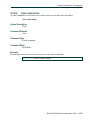
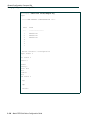
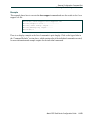
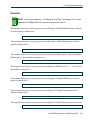
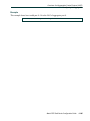
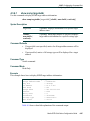
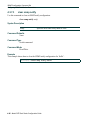
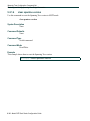
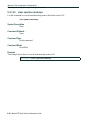
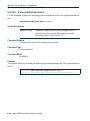
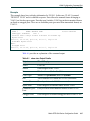
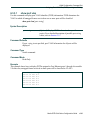
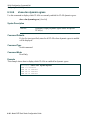
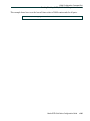
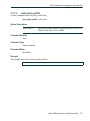
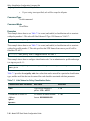
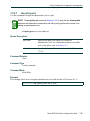
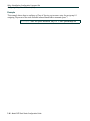
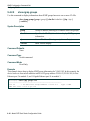
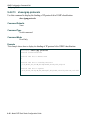
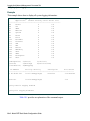
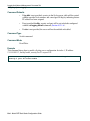
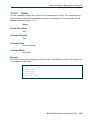
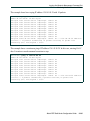
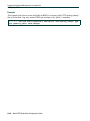
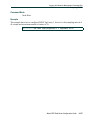
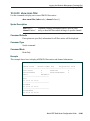
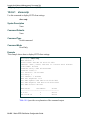
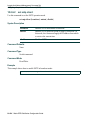
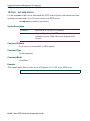
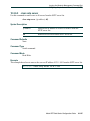
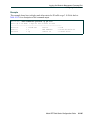
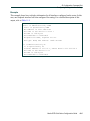
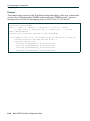
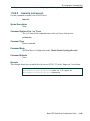
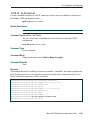
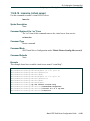
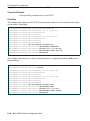
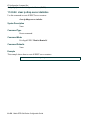
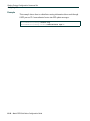
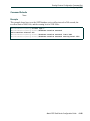
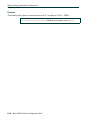
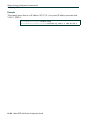
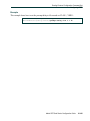
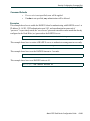
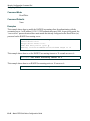
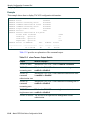
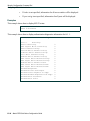
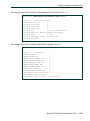
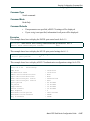
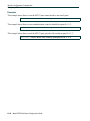
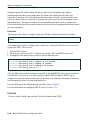
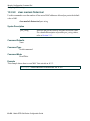
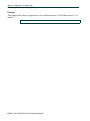
This example shows how to clear all link flap options on port fe.1.4:
Matrix(rw)->clear linkflap all fe.1.4
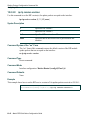
3-82 Matrix DFE-Gold Series Configuration Guide