1
CONNECTING TO THE SYSTEM
DX-120 Installation and Maintenance Manual
Connecting PC-DBA to the DX-120 Switch
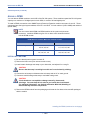
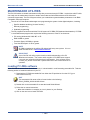
In order to use any of the Maintenance options available in PC-DBA, you must first connect it with the DX-120
switch. There are two methods that allow you to make this connection:
• Local Connection (on-site)
• Remote Connection (via modem)
ESTABLISHING A LOCAL CONNECTION WITH PC-DBA
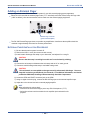
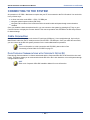
If you are on site, you can easily connect PC-DBA to the local system using this method.
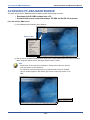
From the mainscreen of PC-DBA:
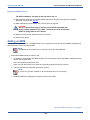
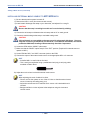
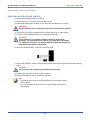
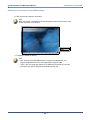
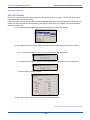
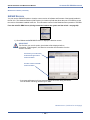
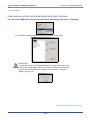
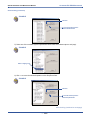
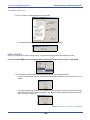
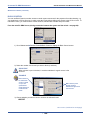
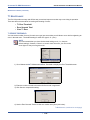
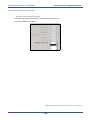
1) Go to ControlXConnect to display the Password screen.
2) Enter the appropriate password
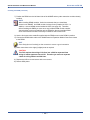
HINT
The default password is eight pound signs (i.e., ########).
NOTE
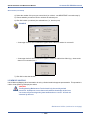
If you enter the password incorrectly, a message will be displayed to let you know
and will ask you to try again.
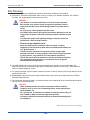
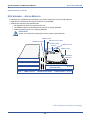
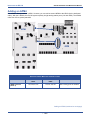
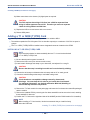
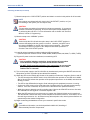
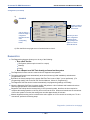
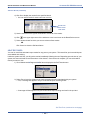
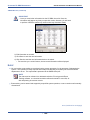
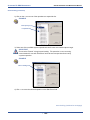
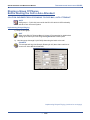
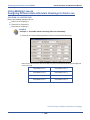
3) Click OK to display the Local connection window.
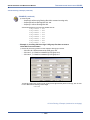
Select the
appropriate COM
Port and Baud Rate.
Click Connect to
initiate the
connection.
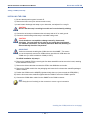
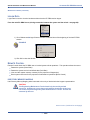
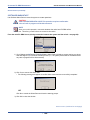
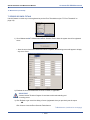
4) Select the appropriate Com Port.
5) Select the appropriate Baud rate.
Establishing a Local Connection with PC-DBA (continued on next page)
- 84 -