1
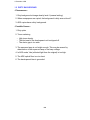
1 December 1990
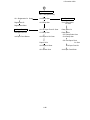
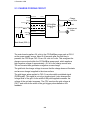
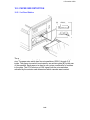
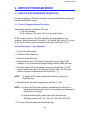
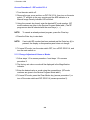
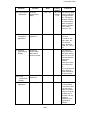
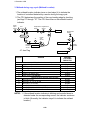
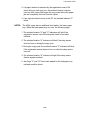
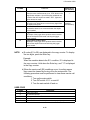
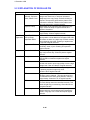
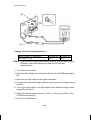
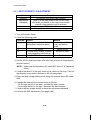
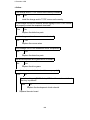
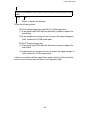
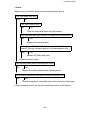
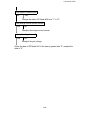
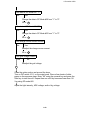
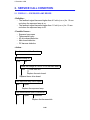
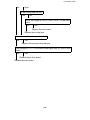
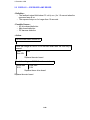
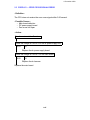
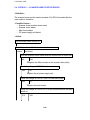
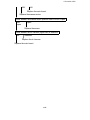
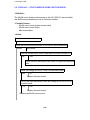
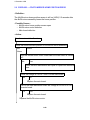
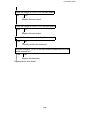
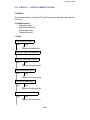
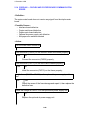
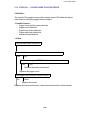
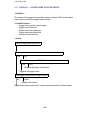
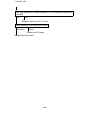
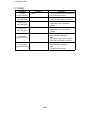
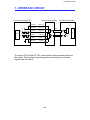
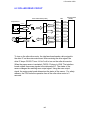
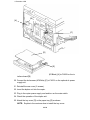
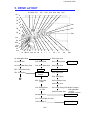
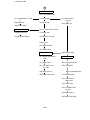
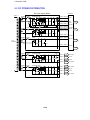
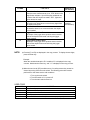
Check the voltage at CN101-4 on the optional dc power supply unit.
24V
0V
Replace the optional dc power supply unit.
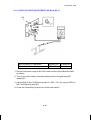
Check the voltage at CN205-4 on the interface board.
6V
0V
Replace the duplex main board.
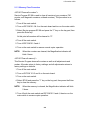
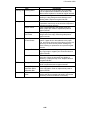
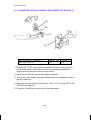
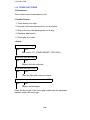
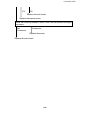
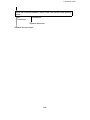
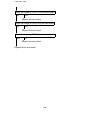
Check the voltage at CN205-3 on the interface board.
0V
Replace the interface board and/or copier main board.
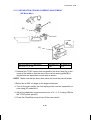
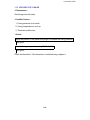
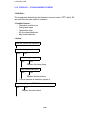
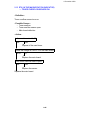
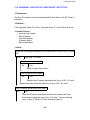
Check whether the 2nd paper size switches have a short.
No
Short
Replace the defective paper size switches.
Replace the main board.
6-47