1
Maintenance and Troubleshooting
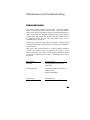
ERROR MESSAGES
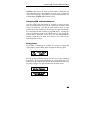
This section provides a partial list of fatal errors. Fatal errors typically
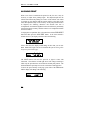
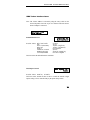
cannot be recovered from without the loss of data. In each case, ERROR is
shown on the top line of the display and one of the following messages is
shown on the bottom line. Suggested solutions for each of these messages
are listed to the right of each error message in the table which follows. If
the suggested solution does not solve the problem, please refer to
“Obtaining Service” on page 88.
Note that none of these messages “flash” on the display. Messages which
are flashed on the display are discussed in the “Common Error Conditions”
section on page 36.
Other errors which are not listed here or in “Daily Operation” should be
reported to the company where you purchased your printer, or to your
nearest Authorized Service Center. If you do not know the name or number
of your nearest Authorized Service Center, see “Obtaining Service” later in
this section.
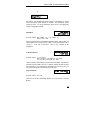
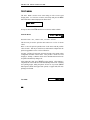
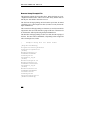
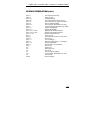
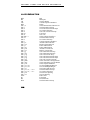
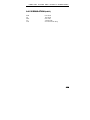
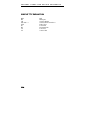
Error Message
Possible Solution
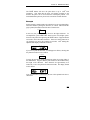
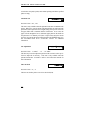
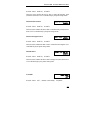
Head Stall
Check print head carriage area for
obstructions.
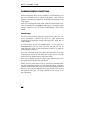
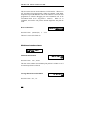
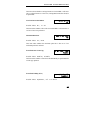
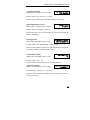
Bad Setup Module
Check Setup Module to make sure it is
attached securely.
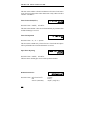
Replace Setup Module.
Error Message
Possible Solution
87