1
Chapter 45: Acquiring Power Doppler Mode images
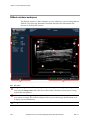
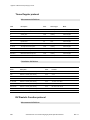
Power Doppler Mode acquisition settings
f
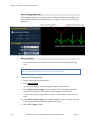
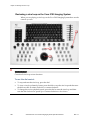
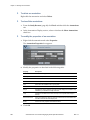
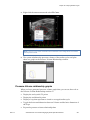
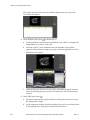
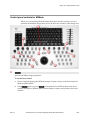
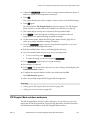
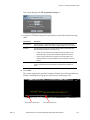
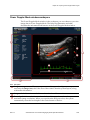
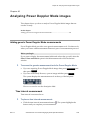
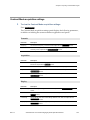
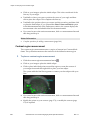
To view the Power Doppler Mode acquisition settings:
Press
Mode Settings .
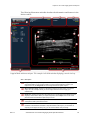
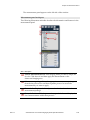
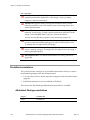
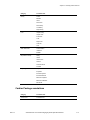
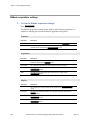
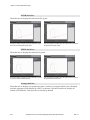
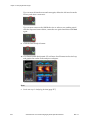
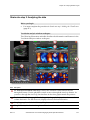
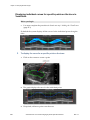
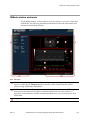
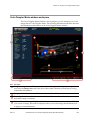
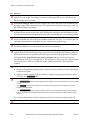
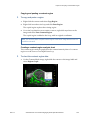
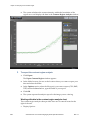
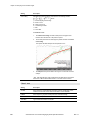
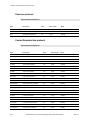
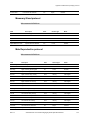
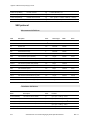
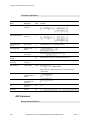
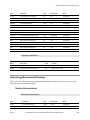
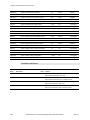
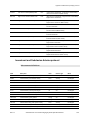
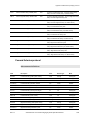
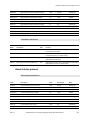
The Power Doppler Mode acquisition settings panel displays the following
parameters, in addition to labeling the current transducer application and preset:
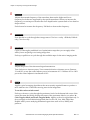
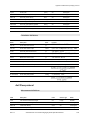
Transmit
Parameter
Description
Frequency
The ultrasound frequency, measured in MHz. Adjust with the Frequency control.
Power
The transmission power level of the ultrasound signal, displayed as a percentage of the
maximum power. Adjust with the Transmit Power control.
PRF
The pulse repetition frequency (PRF) of the transmitted PW Doppler signal, measured
in kiloHertz. This parameter defines the maximum observable PW Doppler frequency
shift and flow velocity. Adjust with the Velocity control.
Gate
Number of transmit cycles in the ultrasound pulse. Adjust the value with the
Sensitivity control. The range of values depends on the transducer. Higher gate
values deliver more detail sensitivity, but lower image resolution.
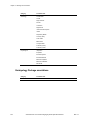
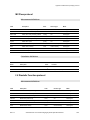
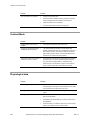
Acquisition
Rev 1.1
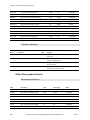
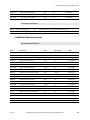
Parameter
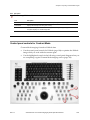
Description
Doppler Gain
The strength of the ultrasound signal in dB increments when it returns to the face of the
transducer. Adjust with the Doppler Gain control.
2D Gain
The strength of the ultrasound signal when it returns to the face of the transducer.
Range values vary by transducer. Adjust with the 2D Gain control.
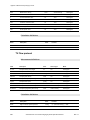
Frame Rate
The number of image frames per second that the system is acquiring.
Width
The width of the acquired image area, measured in mm. Adjust with the
Image Width control.
Beam Angle
The number of degrees of steer to the ultrasound beam so you generate flow direction
information when the orientation of your target vessel is perpendicular or almost
perpendicular to your ultrasound beam. Adjust with the Beam Angle control.
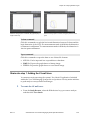
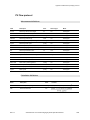
Sensitivity
The signal resolution level. Adjust with the Sensitivity control.
VisualSonics Vevo 2100 Imaging System Operator Manual
331