1
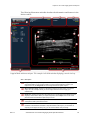
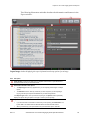
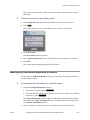
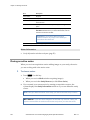
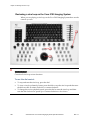
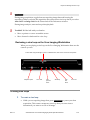
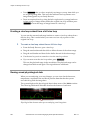
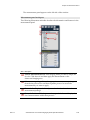
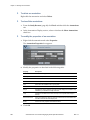
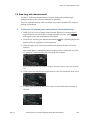
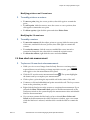
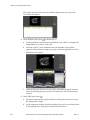
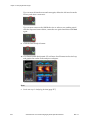
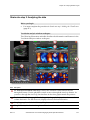
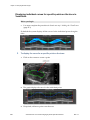
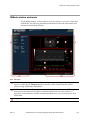
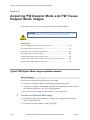
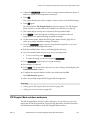
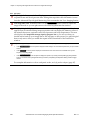
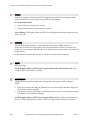
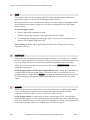
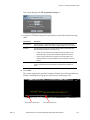
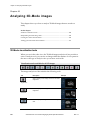
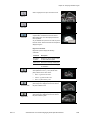
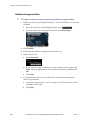
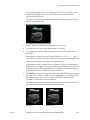
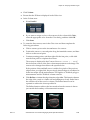
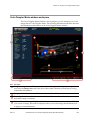
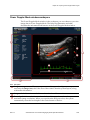
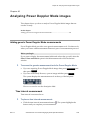
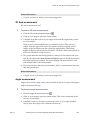
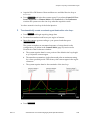
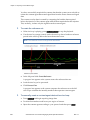
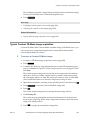
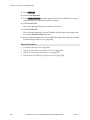
Chapter 48: Analyzing Contrast Mode images Chapter 48 Analyzing Contrast Mode images This chapter shows you how to analyze Contrast Mode images that are saved to a study. In this chapter Adding generic Contrast Mode measurements ..............................................................352 Adding generic Contrast Mode measurements Contrast Mode provides seven generic measurement tools. Use these tools when you want to add measurements that aren't part of a measurement protocol. Before you begin If you want to display the measurement labels and values that you add, select the Show Values and Labels option in the Measurement tab of the Preferences window. f To access the generic measurement tools for Contrast Mode: Scan/Freeze If you are acquiring Contrast Mode image data, press press Measure . If you are in the Study Browser, open an image and then press and then Measure . The system displays the measurement tools at the top of the left panel. Hover over a tool to see the description label. Time Interval measurement Time interval is measured in ms. f To place a time interval measurement: 1. 352 Click the time interval measurement button . The system highlights the button until you complete your measurement. VisualSonics Vevo 2100 Imaging System Operator Manual Rev 1.1