1
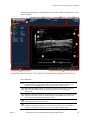
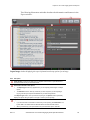
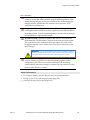
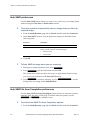
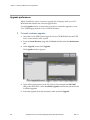
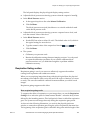
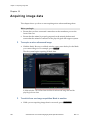
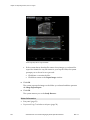
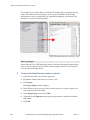
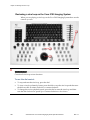
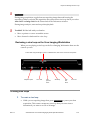
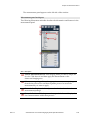
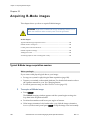
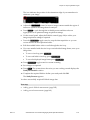
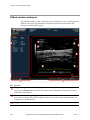
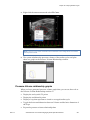
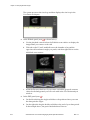
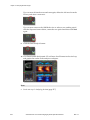
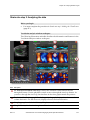
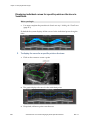
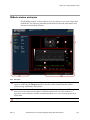
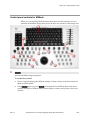
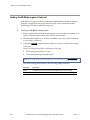
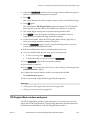
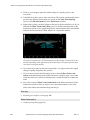
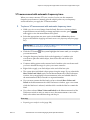
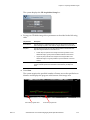
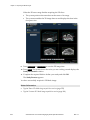
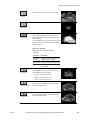
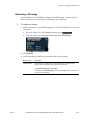
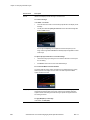
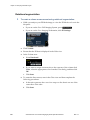
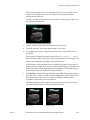
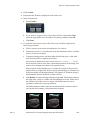
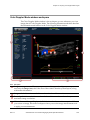
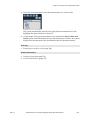
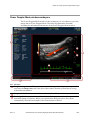
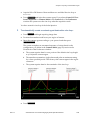
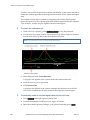
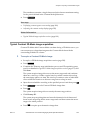
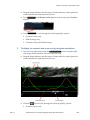
Chapter 19: Acquiring image data Chapter 19 Acquiring image data This chapter shows you how to start acquiring micro-ultrasound image data. Before you begin f Ensure that you have connected a transducer to the transducer port on the front of the cart. Ensure that the animal is properly prepared on the animal platform and ensure that the animal is connected to the physiological data support system. To acquire a micro-ultrasound image: 1. With the Study Browser or a Mode window open, press the key for the Mode you want to image in. For example, press B-Mode . The the system begins acquiring B-Mode data. B-Mode window. The outlined area includes the ultrasound image data and the physiological trace data. f To switch from one image acquisition Mode to another: 1. 120 While you are acquiring image data in one mode, press VisualSonics Vevo 2100 Imaging System Operator Manual Scan/Freeze . Rev 1.1