1
USB3.0/eSATA/1394b-to-SATA II RAID Subsystem
4.1.2 Event Log Viewer
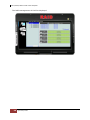
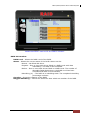
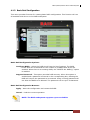
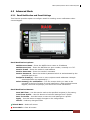
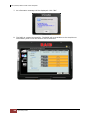
The RAID controller event log can be viewed from this menu. It will show the Number of
Events, the Issued Module, Date, Type, and Message.
Event Log Buttons:
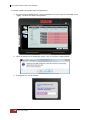
Save To File – This option allows the event logs to be saved as a log text file (.log).
Enter the filename you want for the log file and click “Save”.
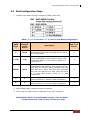
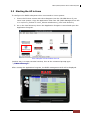
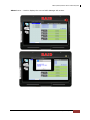
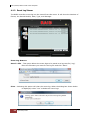
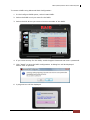
Clear – Selecting this option will clear the event log. When the dialog box shown below
is displayed, select “Yes” to delete all event logs.
32
Quick Setup Guide