1
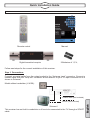
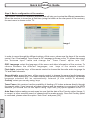
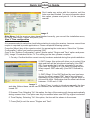
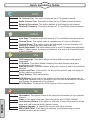
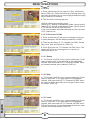
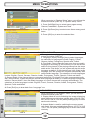
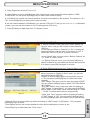
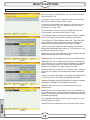
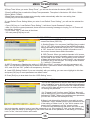
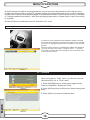
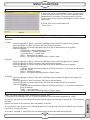
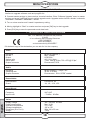
MENU OPERATIONS 6.4 SOFTWARE UPGRADE 1. We offer the functions for user to connecting receiver (Master) to the other receiver (Slave) via serial interface to upgrade software code and program list. 2. Connect master receiver to slave receiver via serial interface. Enter Software Upgrade menu in master receiver and press [Left/Right] keys to switch upgrade mode. Upgrade modes include: allcode / maincode / videoback / radioback / defaultdb1 / userdb 3. Turn on slave receiver and it neednt operate any setting. 4. Moving highlight to Start on master reeciver and press [OK] key to start upgrade. 5. Press [Exit] key to save the parameters and draw back. 7.TECHNICAL SPECIFICATIONS We , FTE Maximal, declare that the products U 4150 is in conformity with following Directives LVD 73/23/EEC EMC 89/336/EEC as last amended by 93/68/EEC If it wishes a copy of the declaration you can ask for it to the company. Video Decoding Bit rate Output Aspect ratio Active pixel Output connector MPEG-2 & MEPG-1 Max 15Mbps NTSC/PAL 4:3 / 16:9 / Auto "720 x 480 @ 30 fps; 720 x 576 @ 25 fps" Euroconector, RCA Audio Decoding Sampling rate Output connector MPEG-2/MEPG -1 Layer I & II 32 /44,1/ 48 Khz Euroconector , RCA, SPDIF coaxial Demodulator Demodulation Guard COFDM 2k, 8k 1/4, 1/8 , 1/16, 1/32 Imput Signal Frequency Imput Level VHF-UHF - 78 dBm - 20 dBm English Varios Supply voltage Power consumption Operation temperature Storage temperature Dimension (W x D x H) Weight 100 - 240 Vac 50-60hz Max. 30 W +5º a +40º -20º a +70º 280x 190 x 55 mm 1,3Kq 18