1
Programmer’s Guide
Model 181 Series 180
Trouble Shooting
TransAct Technologies
Chapter 5
Trouble Shooting
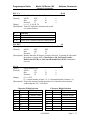
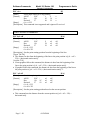
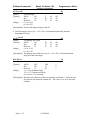
HEXADECIMAL DUMP
This feature allows experienced users to see exactly what data is being received by
the printer. This can be useful in finding software problems. When you turn on the
hex dump function, the printer prints all commands and other data in hexadecimal
format along with a guide section to help you find specific commands.
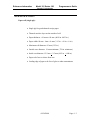
To use the hex dump feature, follow these steps:
1. Enter the printer’s Remote Configuration and turn the Hexdump option ON. See
Chapter 1 for information on using the Remote Configuration.
2. Upon exiting the Remote Configuration or subsequently powering the unit on/off,
the printer will print the following:
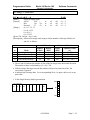
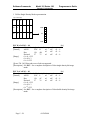
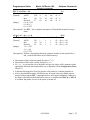
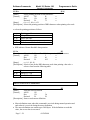
HEXADECIMAL DUMP
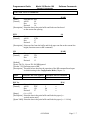
3. Run any software program that sends data to the printer. The printer prints all the
codes it receives in a two-column format. The first column contains the
hexadecimal codes and the second column gives the ASCII characters that
correspond to the codes.
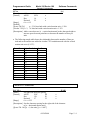
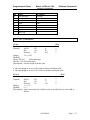
HEXADECIMAL DUMP
1B 21 00 1B 26 02 40 40 .!..&.@@
1B 25 01 1B 63 34 00 1B .%..c4..
41 42 43 44 45 46 47 48 ABCDEFGH
A period (.) is printed for each code that has no ASCII equivalent.
During the hex dump all commands except DLE EOT and DLE ENQ are
disabled.
4. The printer will remain in this state until the Hexdump mode is turned off in the
Remote Configuration.
09/26/2000
Page 7 - 1