1
NMS-4000
Network Management System
7.2.3.
Setting Output Text
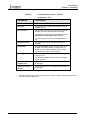
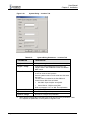
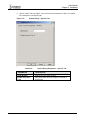
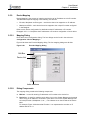
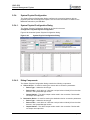
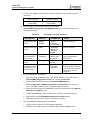
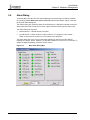
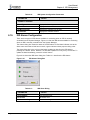
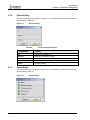
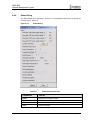
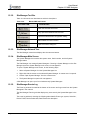
Use the set output text box to set up an output text:
1.
Select output number from the output combo box.
2.
Enter a descriptive text on the edit box.
3.
Click on the “Set Output Text” button.
The text appears on the output row text column, next to the output number.
7.2.4.
Setting Connections
7.2.4.1.
Setting a Connection
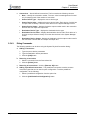
To set up a connection:
7.2.4.2.
1.
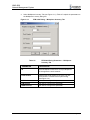
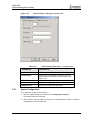
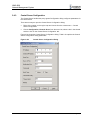
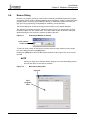
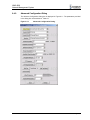
On the “Set Connection” group:
2.
Select an input number from the Input combo box.
3.
Select an output number from the Output combo box.
4.
Click on the “Connect” button.
Resetting Connections
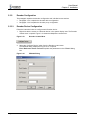
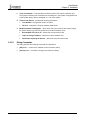
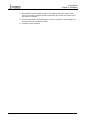
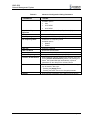
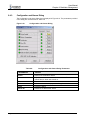
To reset all connections click on the ”Reset” button. All connections are restored to their
default.
7.2.4.3.
Update Connections from device
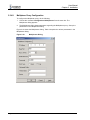
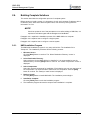
Click on the “Refresh” button. The System Manager obtains the connection configuration
from the matrix device; The System Manager updates the matrix connection dialog box.
P/N 2349-72712-01
Page 7-3