1
Kir-C2-ENcombine_F_FM.book Page 63 Friday, September 19, 2003 3:00 PM
Initial Settings and Adjustments
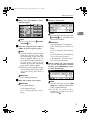
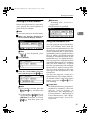
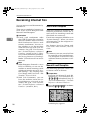
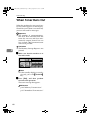
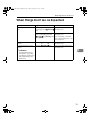
H Press the {User Tools/Counter}} key.
The standby display appears.
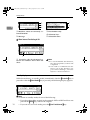
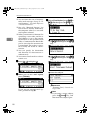
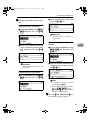
D Select [Program Fax Information] using {U} or {T}, and then press the
} key.
{OK}
Deleting
This following procedure explains
how to delete Fax Header, as an example of deleting.
Note
❒ If the key operator code is programmed and turned on, enter the
key operator code (maximum 8
digit) using number keys, and then
press the {OK}
} key.
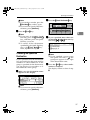
E Select
[Fax Header] using {U} or
{T}, and then press the {OK}
} key.
4
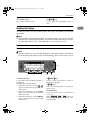
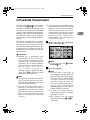
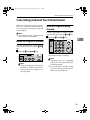
A Press the {User Tools/Counter}} key.
User Tools/
Counter
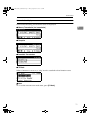
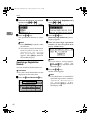
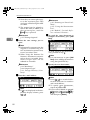
F Press the {Clear/Stop}} key.
Clear
Modes
On Hook Dial
Clear/Stop
ABC
DEF
AAN115F
B Select [Fax Features] using {U} or
{T}, and then press the {OK}
} key.
C Select
[General Settings/Adjust] using {U} or {T}, and then press the
{OK}
} key.
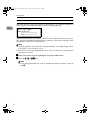
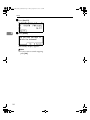
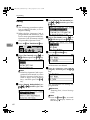
All registered characters are deleted.
Note
❒ Press the {Cancel}
} key to cancel
deleting. The display returns to
that of step E.
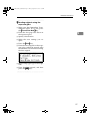
G Press the {OK}} key.
The display returns to that of step
E.
H Press the {User Tools/Counter}} key.
The standby display appears.
63