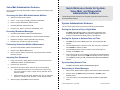
1
Inter-Tel® Axxess® Administrator
System Features
Guide — Issue 11.0, May 2008
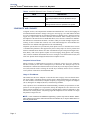
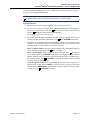
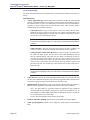
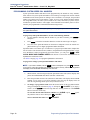
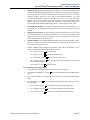
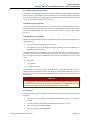
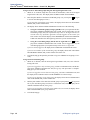
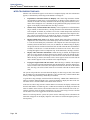
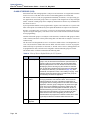
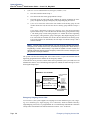
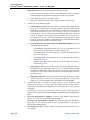
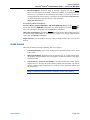
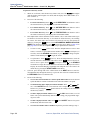
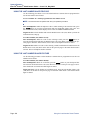
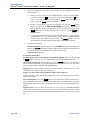
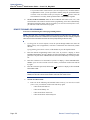
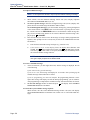
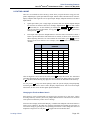
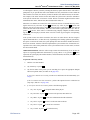
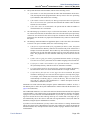
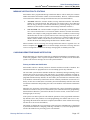
To monitor a call:
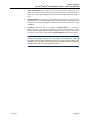
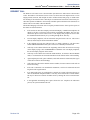
1. To use the speakerphone: While on-hook, enter the Station Monitor feature code
(default is 321). After hear a confirmation tone, the Speaker button lights. The display
shows ENTER EXT TO MONITOR.
To use the handset: Lift the handset and enter the Station Monitoring feature code
(default is 321). After a confirmation tone, ENTER EXT TO MONITOR is displayed.
2.
3.
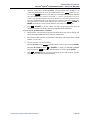
Dial the extension number (or press the lit station speed-dial or DSS/BLF button) of the station to be monitored. After automatically
connecting to the call, the display shows
MONITORING <extension number>.
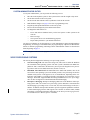
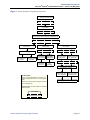
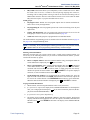
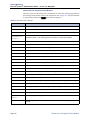
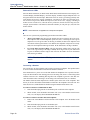
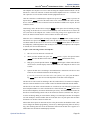
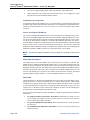
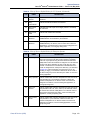
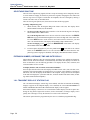
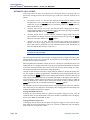
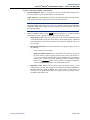
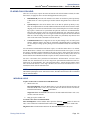
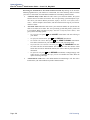
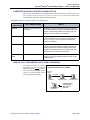
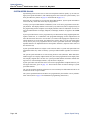
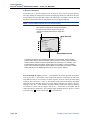
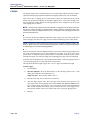
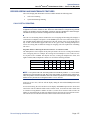
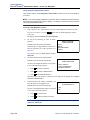
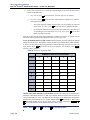
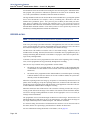
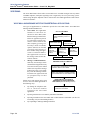
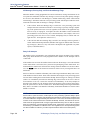
While silent monitoring a call, you have the following options:
•
Barge in on the call
•
Return to silently monitoring the call
•
Record the call
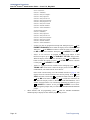
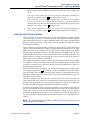
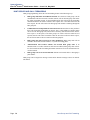
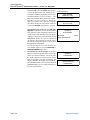
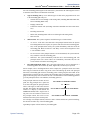
MONITORING
EXT 12345
BARGE-IN
RECORD
JOIN AND RECORD
STEAL
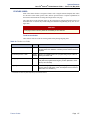
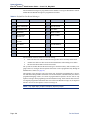
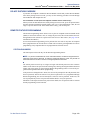
NOTE: Only six-line display endpoints have the menu buttons mentioned in these
instructions. Users who have endpoints with a two-line display, or no display, must use
the feature codes to access the Barge-In features.
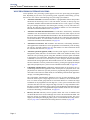
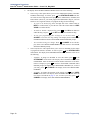
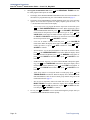
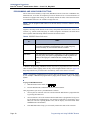
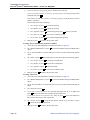
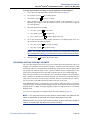
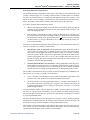
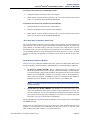
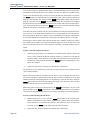
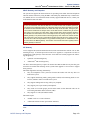
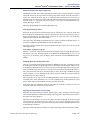
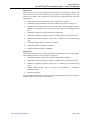
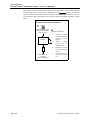
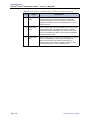
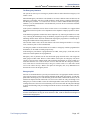
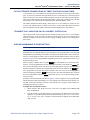
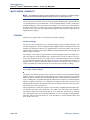
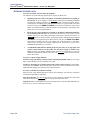
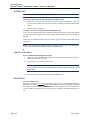
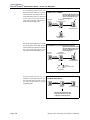
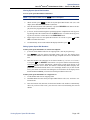
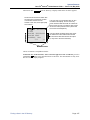
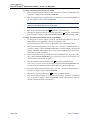
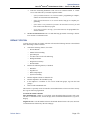
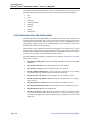
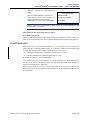
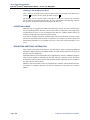
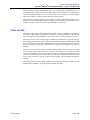
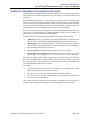
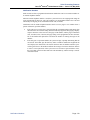
To barge in on a call: Press the BARGE-IN
menu button or enter the feature code 386
(default). On display endpoints, the display
shows BARGE-IN IN PROGRESS. While on a
call, you can monitor, record, or steal the call
by entering the appropriate feature code or by
pressing the appropriate menu button.
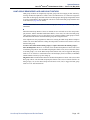
BARGE-IN
IN PROGRESS
MONITOR
RECORD CALL
STEAL
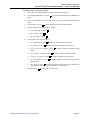
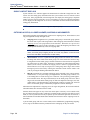
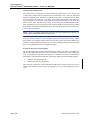
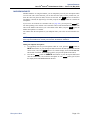
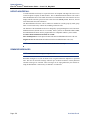
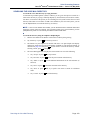
To return to silently monitoring the call:
Press the feature code 386 (default) again or
press the MONITOR menu button.
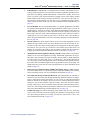
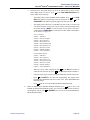
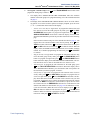
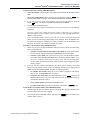
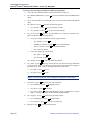
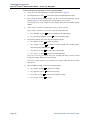
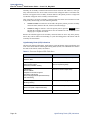
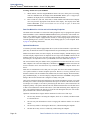
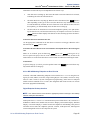
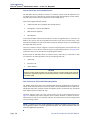
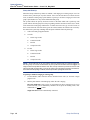
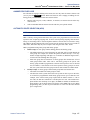
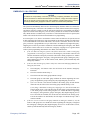
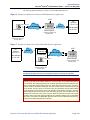
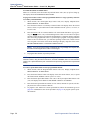
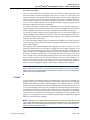
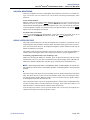
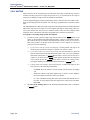
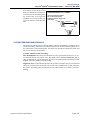
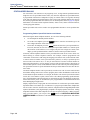
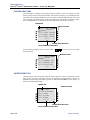
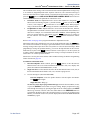
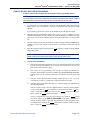
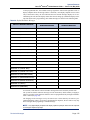
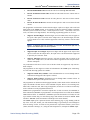
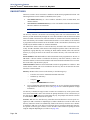
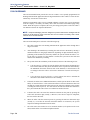
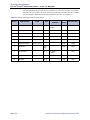
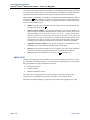
To record the call: Press the RECORD menu
button or enter the Record-A-Call feature code
(default is 385). On display endpoints, the display shows MONITORING <extension number>. While on a call, enter the appropriate
feature code or press the appropriate menu button to monitor or steal the call.
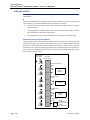
MONITORING
EXT 12345
BARGE-IN
RECORD
JOIN AND RECORD
STEAL
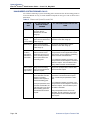
To stop recording the call: Enter feature code
385 again or press the STOP RECORDING
menu button.
Supervisor Barge-In
Page 141