1
WP-4511/4515/4521/4525/4530/4531/4535/4540/4545
User’s Guide
Replacing Consumables
B
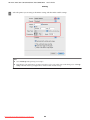
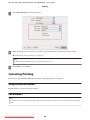
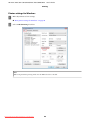
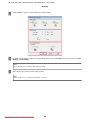
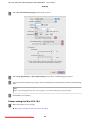
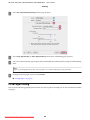
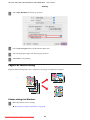
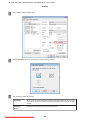
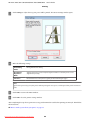
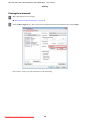
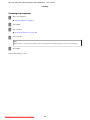
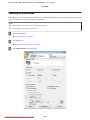
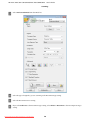
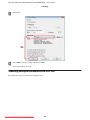
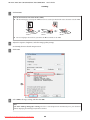
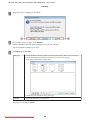
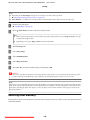
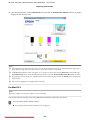
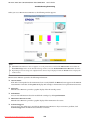
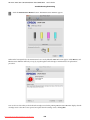
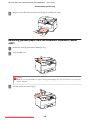
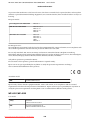
Click the EPSON Status Monitor button. The EPSON Status Monitor appears.
Note:
❏ The graphic displays the ink cartridge status when EPSON Status Monitor was first opened. To update the ink cartridge
status, click Update.
❏
Epson cannot guarantee the quality or reliability of non-genuine ink. If non-genuine ink cartridges are installed, the ink
cartridge status may not be displayed.
❏
When printing in monochrome or grayscale, color inks instead of black ink may be used depending on the paper type or
print quality settings. This is because a mixture of color inks is used to create black.
❏
The ink levels displayed are an approximate indication.
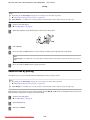
Using the control panel
A
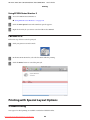
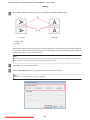
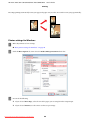
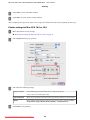
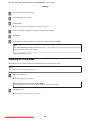
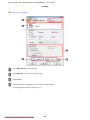
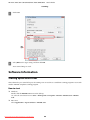
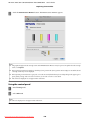
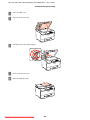
Enter F Setup mode.
B
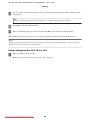
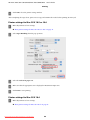
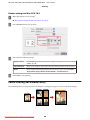
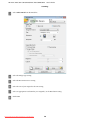
Select Ink Level.
Note:
The ink levels displayed are an approximate indication.
Downloaded from ManualsPrinter.com Manuals
128