1
WP-4511/4515/4521/4525/4530/4531/4535/4540/4545
User’s Guide
Printing
How to make a poster from your prints
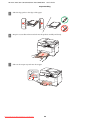
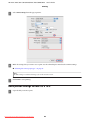
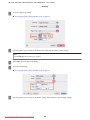
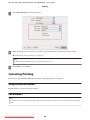
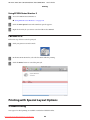
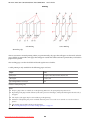
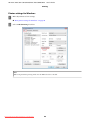
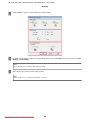
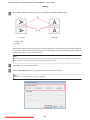
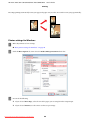
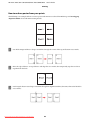
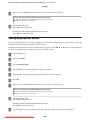
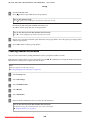
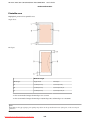
The following is an example of how to create a poster with 2x2 Poster selected for Multi-Page and Overlapping
Alignment Marks selected for Print Cutting Guides.
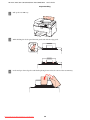
A
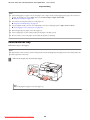
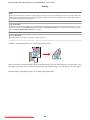
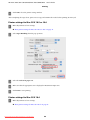
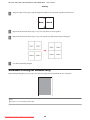
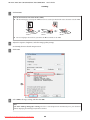
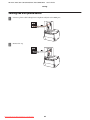
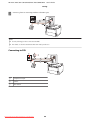
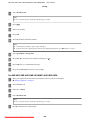
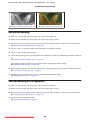
Cut off the margin of Sheet 1 along a vertical line through the center of the top and bottom cross-marks:
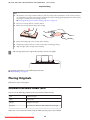
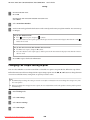
B
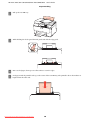
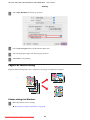
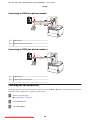
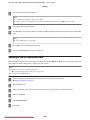
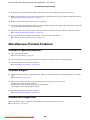
Place the edge of Sheet 1 on top of Sheet 2 and align the cross-marks, then temporarily tape the two sheets
together from the back:
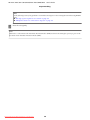
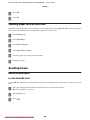
C
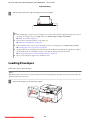
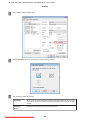
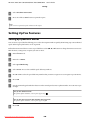
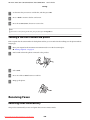
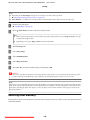
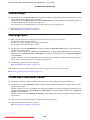
Cut the taped sheets in two along a vertical line through the alignment markers (this time, a line to the left of the
cross-marks):
Downloaded from ManualsPrinter.com Manuals
63