1
— or —
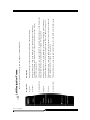
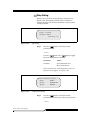
Press the
button or the
button to toggle
between the parameter values in the following list.
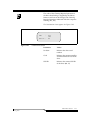
Parameters
Values
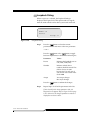
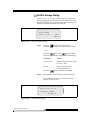
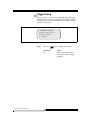
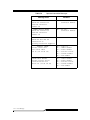
Cycles to Run
Indicates the desired cycle
count (001 .. 999)
Accept
Y to accept changes
N to reject changes
Press the
Step 2
button to confirm the changes.
Repeat Step 1 for all of the parameters in the list.
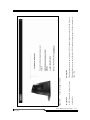
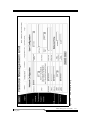
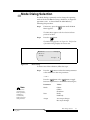
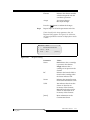
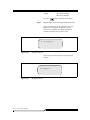
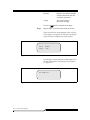
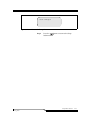
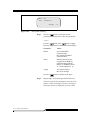
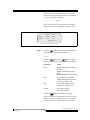
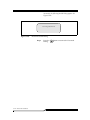
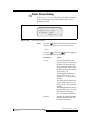
If Y is selected for the Accept parameter, the Include
Drives Dialog appears. See Figure 5-192. Otherwise, the
changed parameters continue to display but no action is
taken.
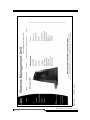
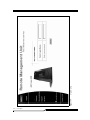
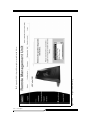
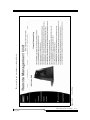
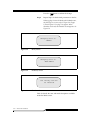
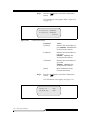
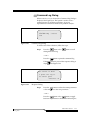
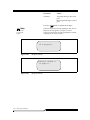
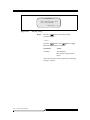
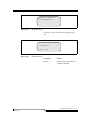
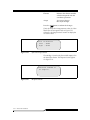
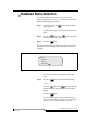
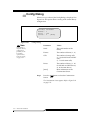
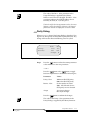
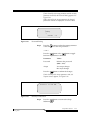
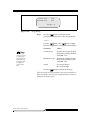
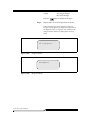
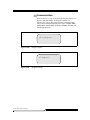
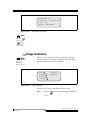
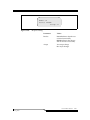
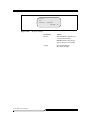
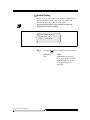
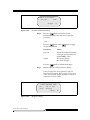
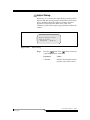
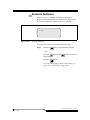
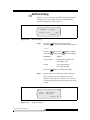
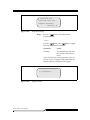
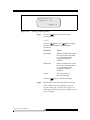
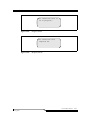
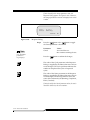
Include drives: Y
Accept: Y
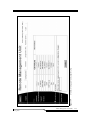
Figure 5-192
Include Drives Dialog
Step 3
Press the
button to select the current parameter
value and move to the next parameter.
— and/or —
Step 4
01 Aug 2000
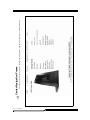
Press the
button or the
values in the following list.
button to toggle the
Parameters
Values
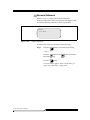
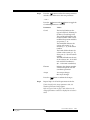
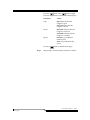
Include Drives
Y indicates that the drives will
be included in the cycling of
the cartridges
N indicates that the drives will
not be included in the cycling
of the cartridges.
Accept
Y to accept the changed
N to reject the changes.
Service Menu Selection
5-173