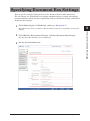
1
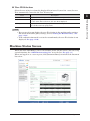
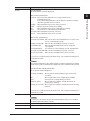
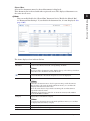
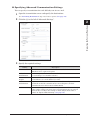
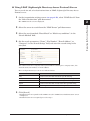
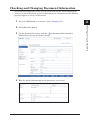
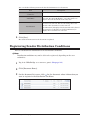
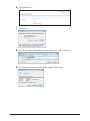
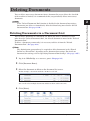
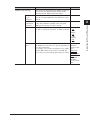
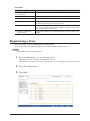
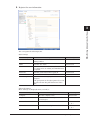
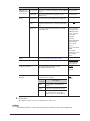
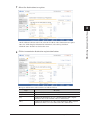
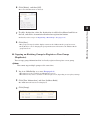
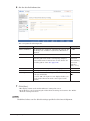
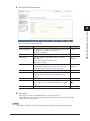
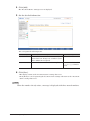
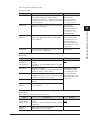
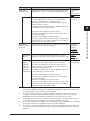
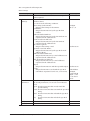
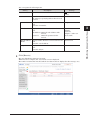
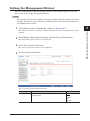
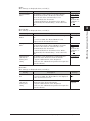
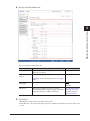
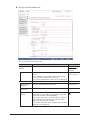
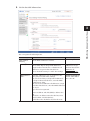
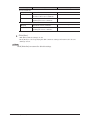
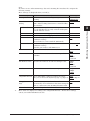
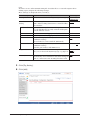
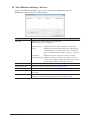
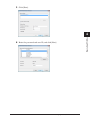
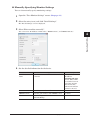
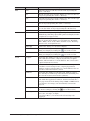
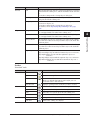
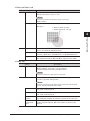
You can edit the following items in the detailed information for a document.
Item
“Document Name”, “Category”,
“Comment”
“Hold Time”
“Read Status”
Description
Enter the information in the entry box for each item.
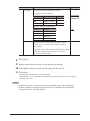
Select “No Limit” or “Document Hold Time”. If you
selected “Document Hold Time”, enter the number of
days to store the document in the entry box.
You can check whether the document has been displayed
(read) or not (unread). You can also change the read
status of the document to read or unread.
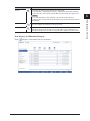
[Confirmation] is displayed for documents in the shared
reception box or shared box. Click [Confirmation] to
display the read status for each user.
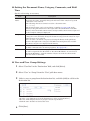
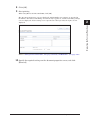
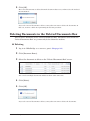
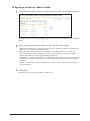
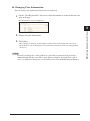
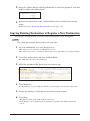
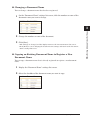
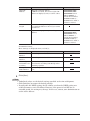
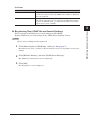
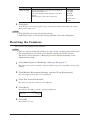
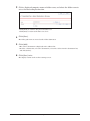
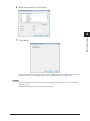
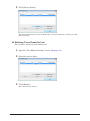
55 Click [Save].
The detailed information for the document is updated.
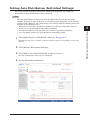
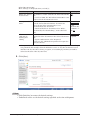
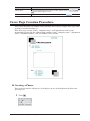
Registering Sender Distribution Conditions
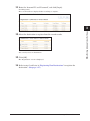
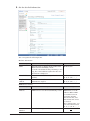
You can add document information to the distribution conditions.
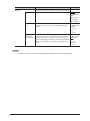
Note
Distribution conditions may not be able to be registered, depending on the user
authorities.
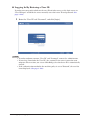
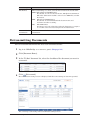
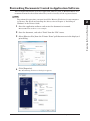
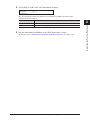
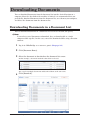
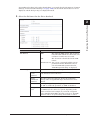
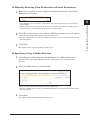
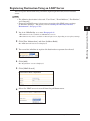
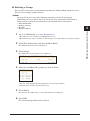
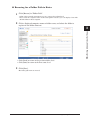
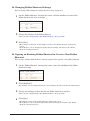
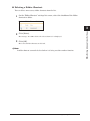
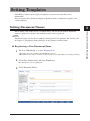
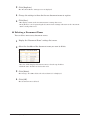
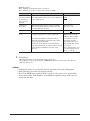
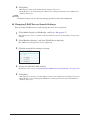
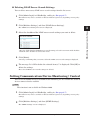
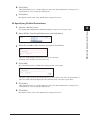
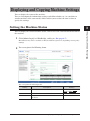
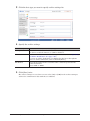
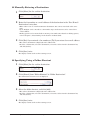
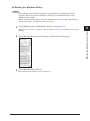
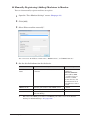
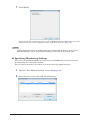
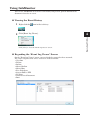
11 Log in to OfficeBridge as a user or a guest. (See page 2-2.)
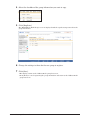
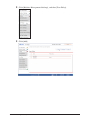
22 Click [Document Boxes].
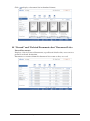
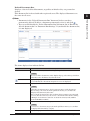
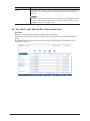
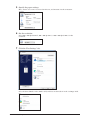
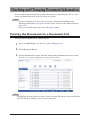
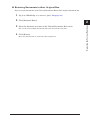
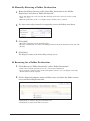
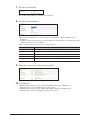
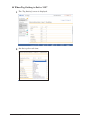
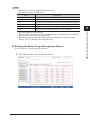
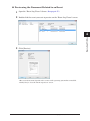
33 On the document list screen, click
for the document whose information you
want to register in the distribution conditions.
2-32 Checking and Changing Document Information