1
O9Head_68007024014_a.book Page 119 Wednesday, June 9, 2010 5:36 PM
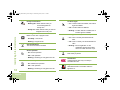
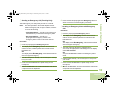
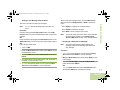
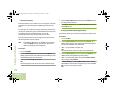
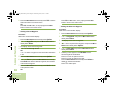
State the position of the vessel in distress, using any
information that will help responders to locate you, e.g.:
5
• latitude and longitude
• bearing (state whether you are using true or magnetic
north)
• distance to a well-known landmark
• vessel course, speed or destination
State the nature of the distress.
6
Specify what kind of assistance you need.
7
State the number of persons on board and the number
needing medical attention, if any.
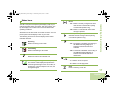
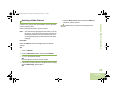
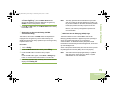
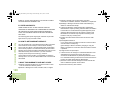
If you are in imminent and grave danger at sea and require
emergency assistance, use VHF Channel 16 to send a distress
call to nearby vessels and the United States Coast Guard.
Transmit the following information, in this order:
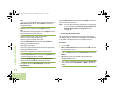
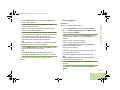
1 “MAYDAY, MAYDAY, MAYDAY.”
8
Mention any other information that would be helpful to
responders, such as type of vessel, vessel length and/or
tonnage, hull color, etc.
9
“OVER.”
2
11 If you do not receive an immediate response, remain by the
radio and repeat the transmission at intervals until you
receive a response. Be prepared to follow any instructions
given to you.
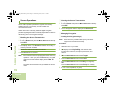
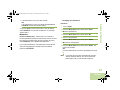
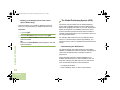
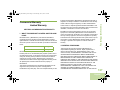
Take a moment to review the following:
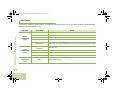
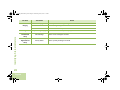
Special Channel Assignments . . . . . . . . . . . . . . . . . . page 119
Operating Frequency Requirements . . . . . . . . . . . . . page 120
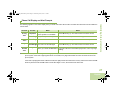
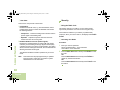
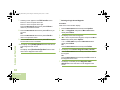
Special Channel Assignments
Emergency Channel
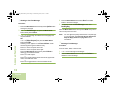
“THIS IS _____________________, CALL SIGN
__________.”
State the name of the vessel in distress 3 times, followed
by the call sign or other identification of the vessel, stated 3
times.
3
Repeat “MAYDAY” and the name of the vessel.
4
“WE ARE LOCATED AT _______________________.”
Appendix: Maritime Radio Use in the VHF Frequency Range
Appendix: Maritime Radio Use in the
VHF Frequency Range
10 Wait for a response.
Non-Commercial Call Channel
For non-commercial transmissions, such as fishing reports,
rendezvous arrangements, repair scheduling, or berthing
information, use VHF Channel 9.
119
English