1
O9Head_68007024014_a.book Page 36 Wednesday, June 9, 2010 5:36 PM
Monitoring Features
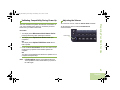
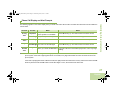
Repeater or Direct Operation
The REPEATER operation increases the radio’s range by
connecting with other radios through a repeater. The transmit
and receive frequencies are different.
General Radio Operation
The DIRECT or “talkaround operation” allows you to bypass the
repeater and connect directly to another radio. The transmit and
receive frequencies are the same.
Procedure:
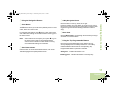
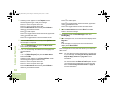
Press the preprogrammed Repeater/Direct switch to toggle
between talkaround and repeater modes.
OR
Follow the procedure below.
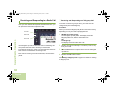
1 < or > to Direct.
Radio users who switch from analog to digital radios often
assume that the lack of static on a digital channel is an
indication that the radio is not working properly. This is not the
case.
Digital technology quiets the transmission by removing the
“noise” from the signal and allowing only the clear voice or data
information to be heard.
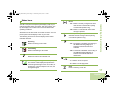
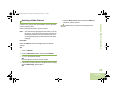
Use the Monitor feature to make sure a channel is clear before
transmitting.
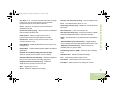
Monitoring a Channel
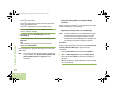
2 Press the Menu Select button directly below Direct.
Procedure:
Lift the microphone off hook.
3 The display shows Repeater mode if the radio is currently
Conventional Modes Only:
in Repeater mode.
OR
The display shows Direct mode and the Talkaround icon if
the radio is currently in Direct mode (during conventional
operation only).
36
English
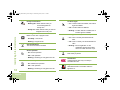
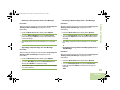
1 Listen for activity on that channel.
2 Adjust the Volume knob if necessary.
3 If you hear no activity, press and hold the PTT button to start
OR
Trunked Modes Only:
1 Press the PTT button.