1
O9Head_68007024014_a.book Page 48 Wednesday, June 9, 2010 5:36 PM
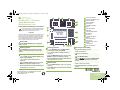
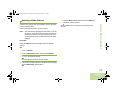
7 Press the Menu Select button directly below OK once you
have finished. The display returns to the Edit Contact
screen.
8 Press the Menu Select button directly below Done to save
your changes and return to the main screen for Contacts.
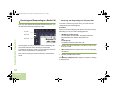
Editing as Entry ID
Procedure:
1 < or > to Cntacts.
2 Press the Menu Select button directly below Cntacts. The
entries are alphabetically sorted.
Advanced Features
3 U or D to the entry you want to edit and press the Menu
Select button directly below Options.
4 U or D to Edit and press the Menu Select button directly
below Select.
5 U or D to the entry ID you wish to change and press the
Menu Select button directly below Edit.
48
English
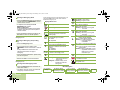
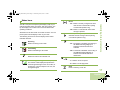
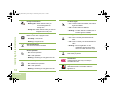
6 A blinking cursor appears.
Use the keypad to edit the name.
Press < to move one space to the left.
Press > to move one space to the right.
Press the Menu Select button directly below Delete to
delete any unwanted characters.
Press J to add a space.
Press K to toggle between mixed case mode, uppercase
mode, and lowercase mode.
Press L to toggle between numeric and letter mode.
7 Press the Menu Select button directly below OK once you
have finished. The display returns to the Edit Contact
screen.
8 Press the Menu Select button directly below Done to save
your changes and return to the main screen for Contacts.