1
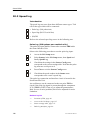
Start-up procedures
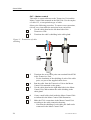
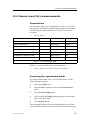
Actions on the bridge
Note:
This procedure must be performed simultanously with the next
procedure; Actions in the sonar room.
The instructions marked Sonar room are performed in the sonar
room.
1
Start up the sonar.
2
Check that the depth is sufficient for lowering of the
transducer.
3
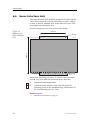
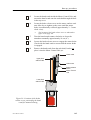
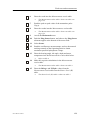
Lower the transducer to middle position by giving a short
press on the Middle button.
4
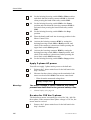
Set the TX Power in the Horizontal menu to Low, and
check that echoes appear on the display.
5
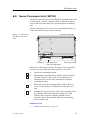
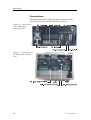
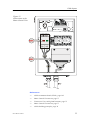
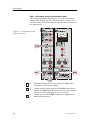
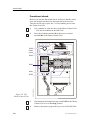
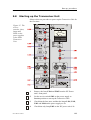
Sonar room: Check that the voltmeter on the HV Power
unit shows approximately 25 V.
6
Sonar room: Check that the TX Enable LED (TXEN) on
the TIB board starts flashing.
7
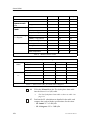
Set the TX Power in the main menu to Medium, and
check that the echoes become stronger.
8
Sonar room: Check that the voltmeter on the HV Power
unit shows approximately 50 V.
9
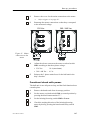
Set the TX Power in the Horizontal menu to Full, and
check that the echoes become even stronger.
10
Sonar room: Check that the voltmeter on the HV Power
unit shows approximately 100 V.
If the Hull Unit is installed differently from the recommended
orientation, the echo picture on the display must be aligned to
show the echoes in correct position.
References
→
Locations of LEDs, page 129
Related topics
→
851-164510 / Rev.E
Alignment of the sonar picture, page 130
127